Chapter 4
Printing with Special Layout Options
Introduction
You can print with a variety of layouts for special projects, such as booklets and posters.
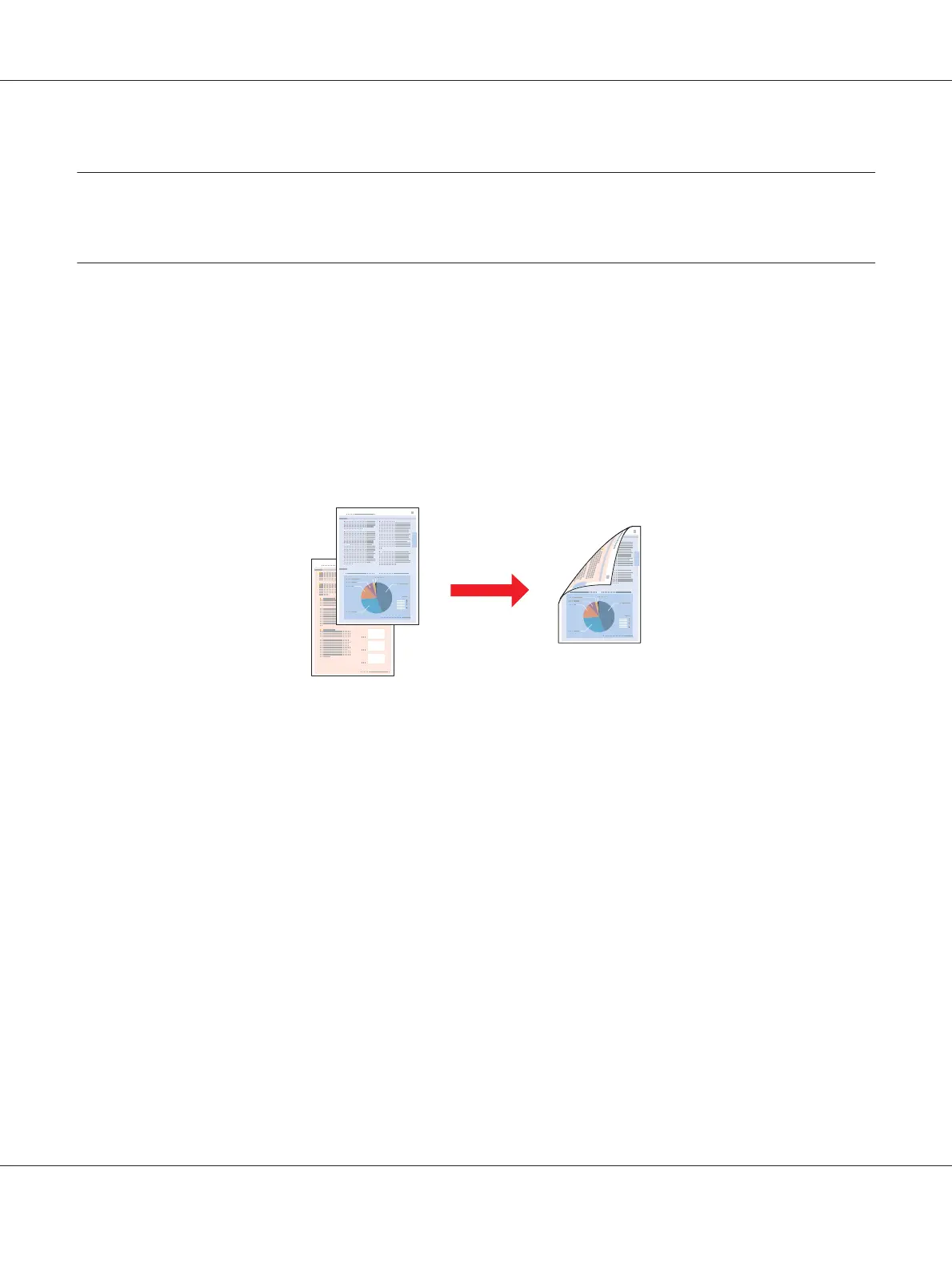
2-Sided Printing
Lets you print on both sides of the paper.
& See “2-Sided Printing” on page 63.
Fit to Page Printing
Lets you automatically enlarge or reduce the size of your document to fit the paper size selected in the
printer driver.
& See “Fit to Page Printing” on page 90.
B-310N/B-510DN User’s Guide
Printing with Special Layout Options 61












 To Next Page