Loading envelopes
Refer to the section below for loading envelopes.
& See “Loading Envelopes” on page 30.
Refer to the section below for the printable area.
& See “Printable area” on page 208.
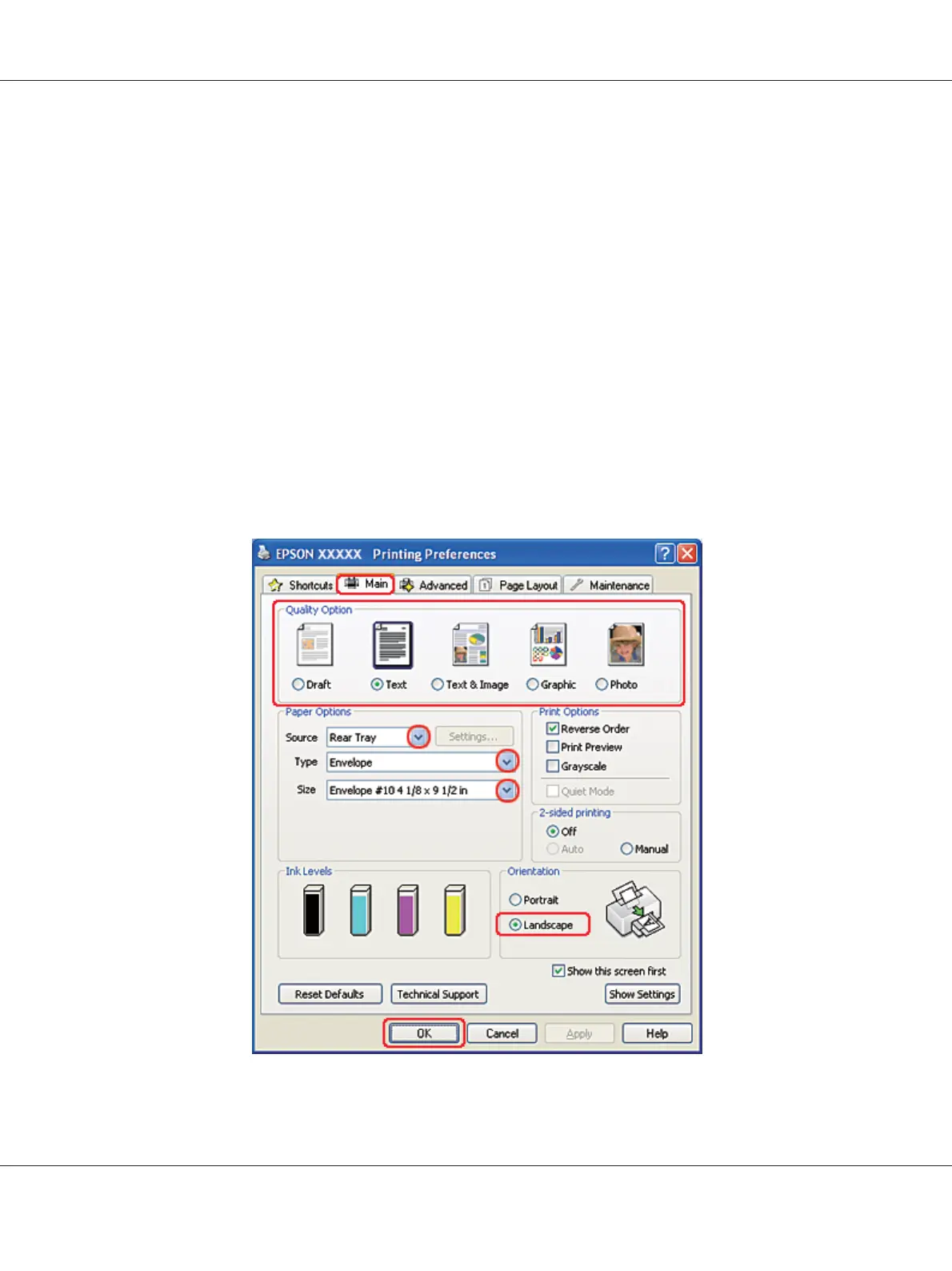
Printer settings for Windows
1. Access the printer settings.
& See “Accessing the printer driver for Windows” on page 16.
B-310N/B-510DN User’s Guide
Basic Printing 44












 To Next Page