Technical Specifications
Paper
Note:
❏ Since the quality of any particular brand or type of paper may be changed by the manufacturer at any
time, Epson cannot attest to the quality of any non-Epson brand or type of paper. Always test samples
of paper stock before purchasing large quantities or printing large jobs.
❏ Poor quality paper may reduce print quality and cause paper jams or other problems. If you
encounter problems, switch to a higher grade of paper.
❏ Use paper under normal conditions:
Temperature 15 to 25 ˚C (59 to 77 ˚F)
Humidity 40 to 60% RH
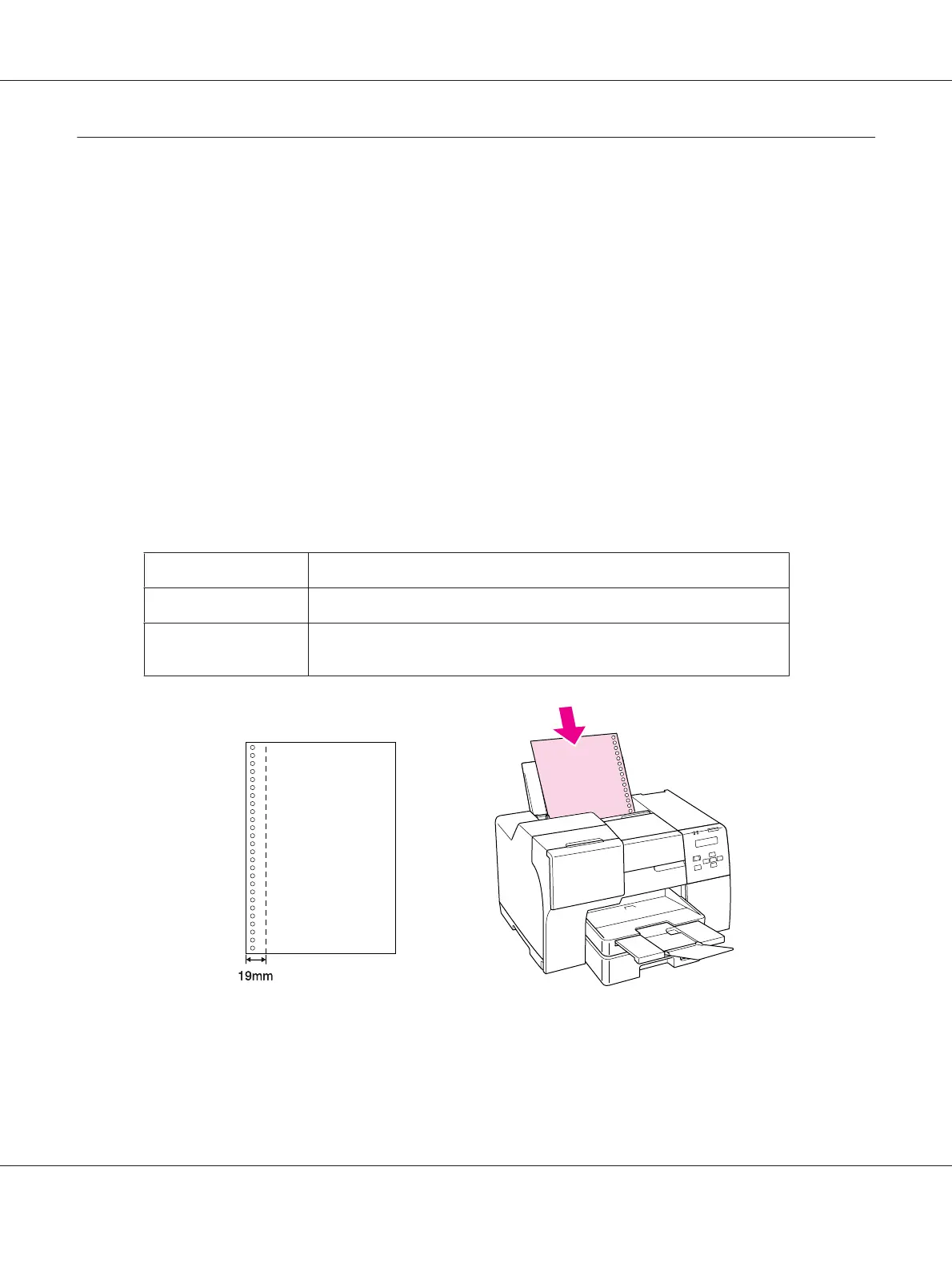
❏ If all the conditions below are met, pre-punched paper with binding holes can be used for this printer:
Paper source
rear sheet feeder
Paper size
A4, A5, A6, B5, Letter, Legal
Hole position
Within 19 mm (0.74 in) from the left side of paper facing the printing
surface. See the illustration below.
Single sheets:
B-310N/B-510DN User’s Guide
Product Information 207












 To Next Page