Into the front paper cassette
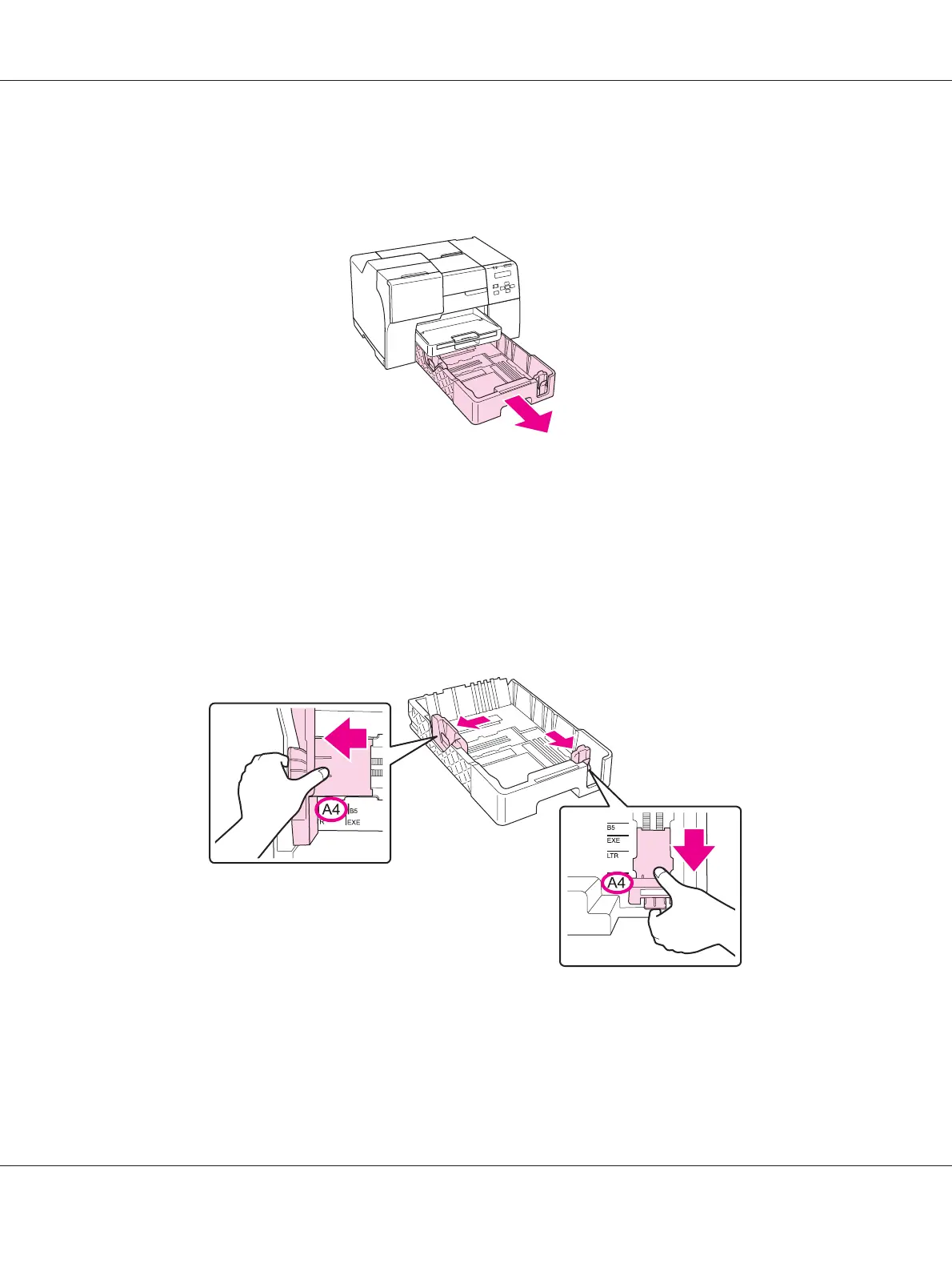
1. Pull out the front paper cassette.
Note:
If the optional legal-size paper cassette is attached as the front paper cassette, raise its cover and flip it
open.
2. Slide the edge guides while pinching their knob to accommodate the paper you are loading.
3. Fan a stack of paper, then tap it on a flat surface to even the edges.
4. Load the paper with the printable side down.
B-310N/B-510DN User’s Guide
Paper Handling 26












 To Next Page