Standard 2-sided printing for Mac OS X 10.3 or 10.4
Automatic 2-sided printing (using the duplex unit)
Follow the steps below to print odd- and even-numbered pages onto opposite sides of the sheet using
the duplex unit.
Note:
❏ Automatic 2-sided printing supports plain paper only.
❏ Thick plain paper is not supported for automatic 2-sided printing.
1. Access the EPSON Printer Utility3 dialog.
& See “Accessing the printer driver for Mac OS X” on page 17.
2. Click the Printer and Option Information button.
3. Make sure that Duplexer Installed is displayed in the Auto Duplex Printing Information section,
and then click OK.
4. Close the EPSON Printer Utility3 dialog.
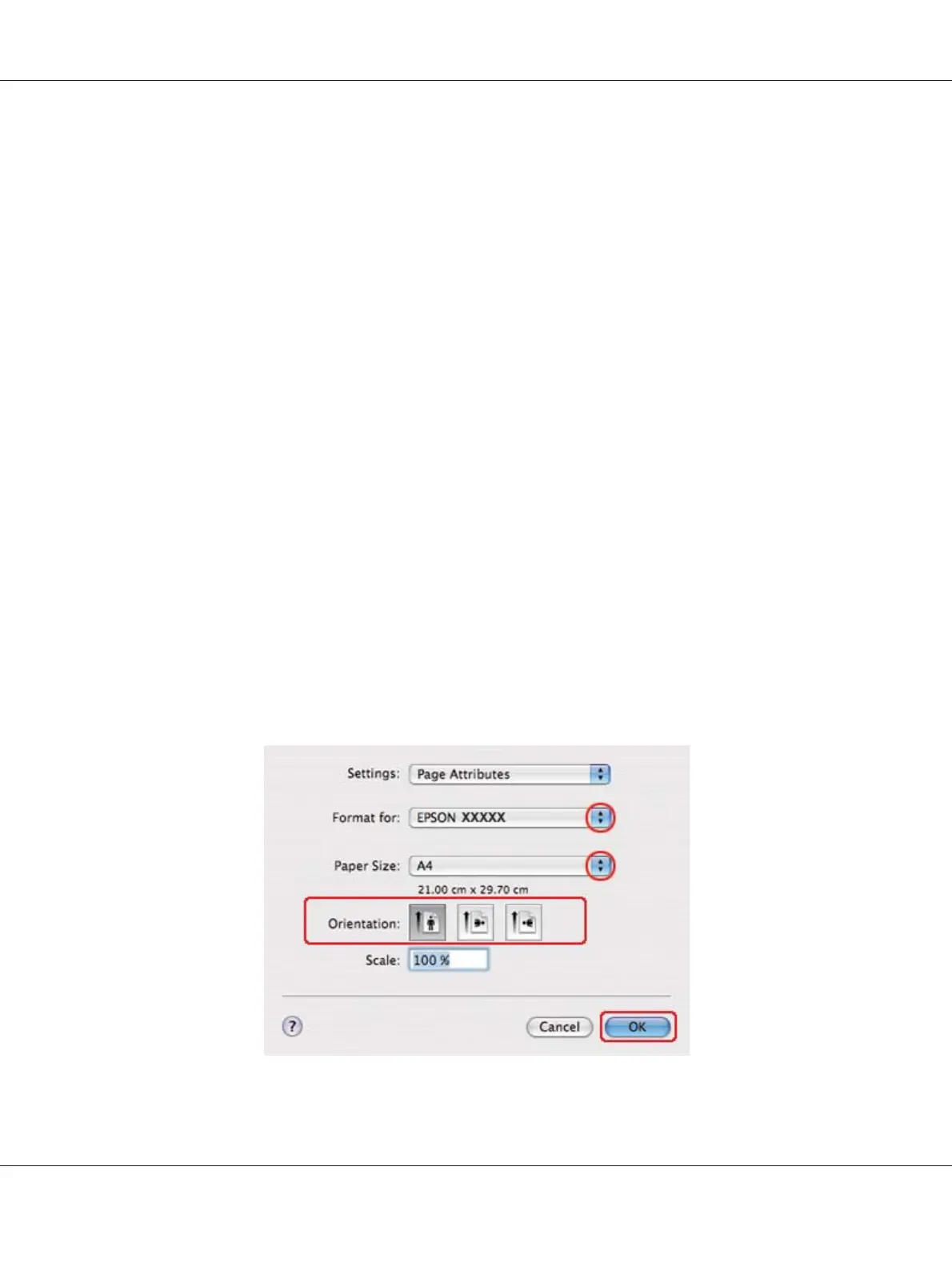
5. Access the Page Setup dialog.
& See “Accessing the printer driver for Mac OS X” on page 17.
B-310N/B-510DN User’s Guide
Printing with Special Layout Options 79












 To Next Page