After completing the steps above, print one test copy and examine the results before printing an entire
job.
Printer settings for Mac OS X 10.5
Follow these steps to adjust your printer settings.
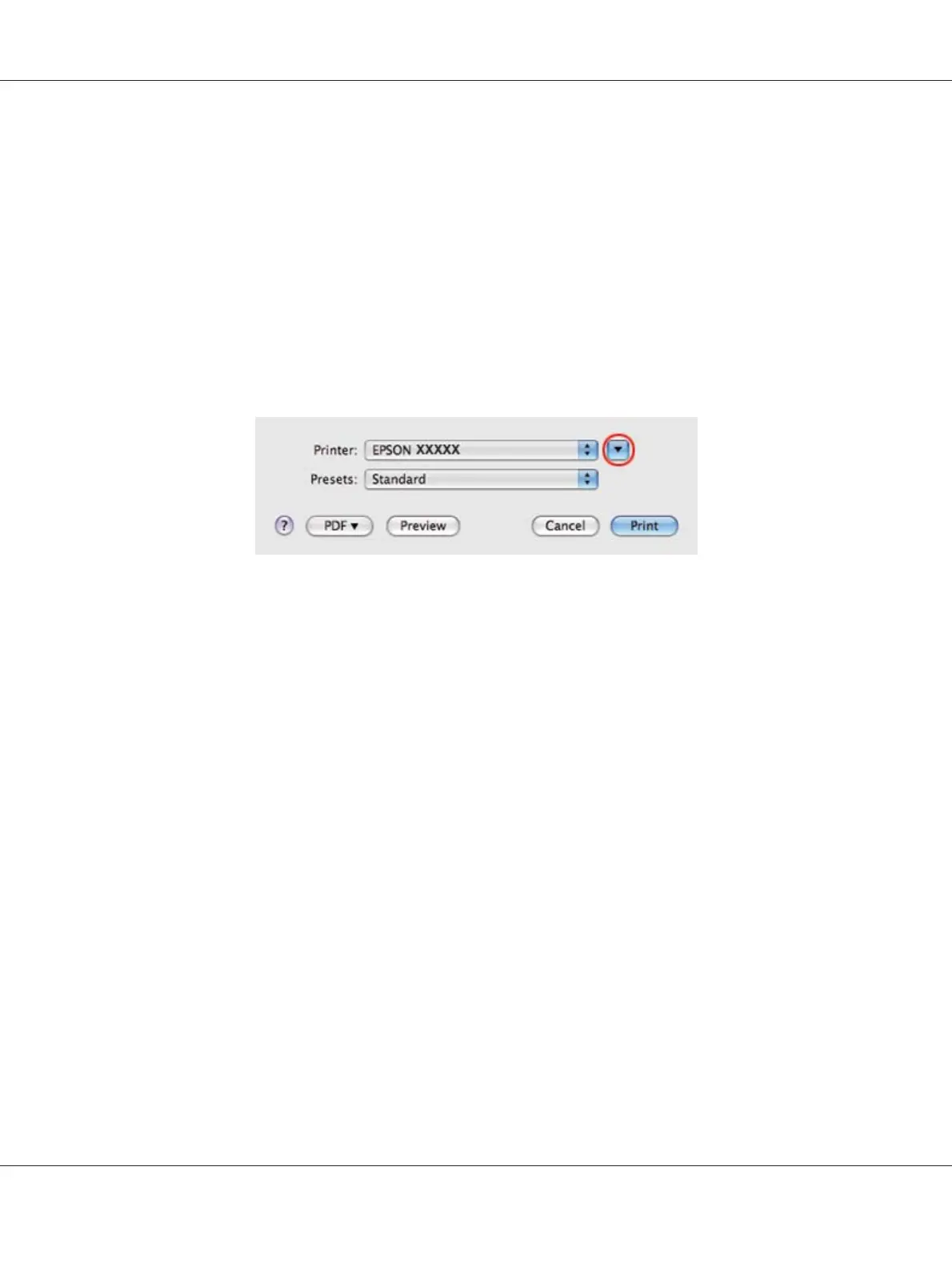
1. Access the Print dialog.
& See “Accessing the printer driver for Mac OS X” on page 17.
2. Click the d button to extend this dialog.
B-310N/B-510DN User’s Guide
Basic Printing 54












 To Next Page