For Windows
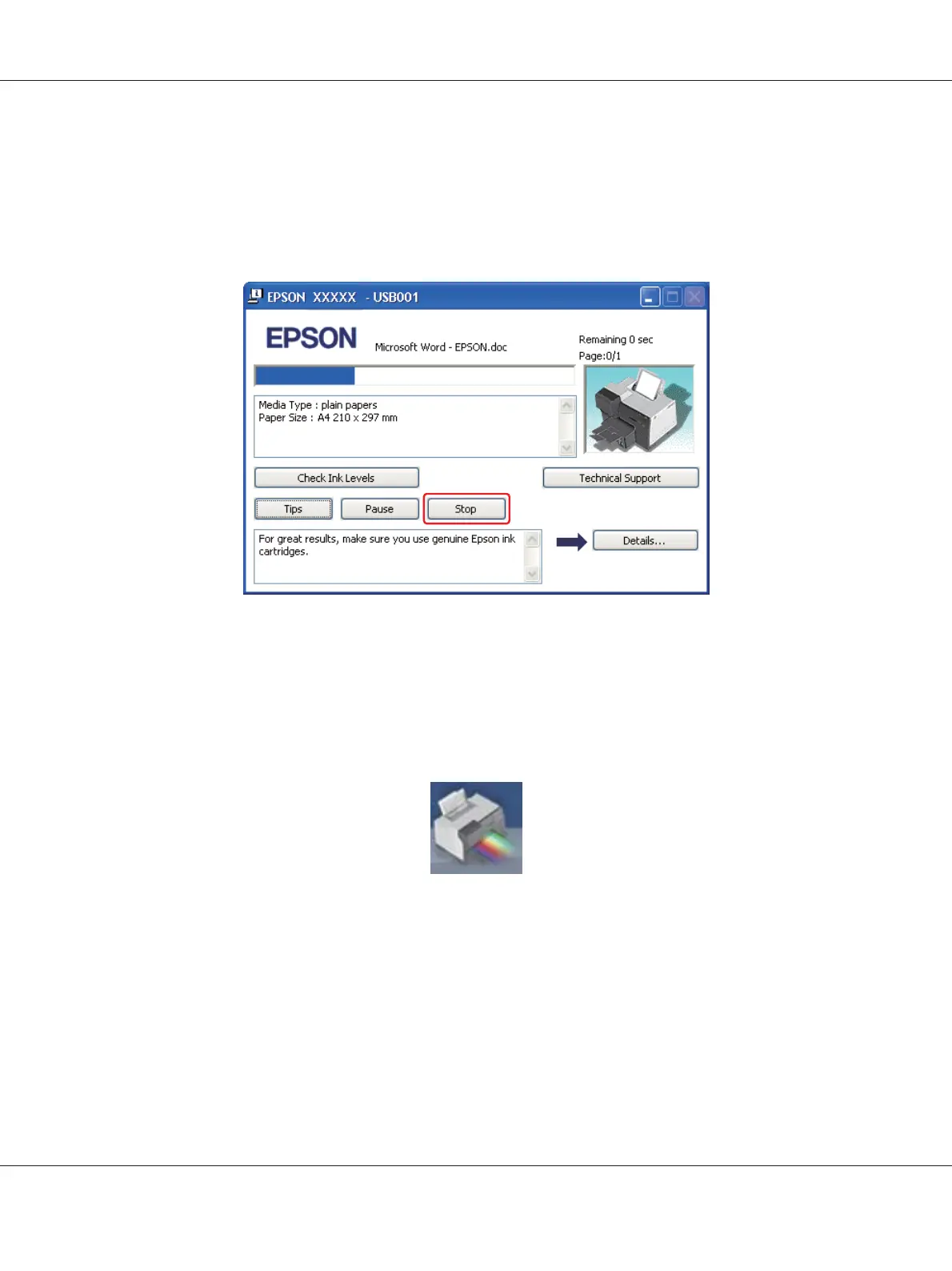
When you start printing, the progress meter appears on your computer screen.
Click the Stop button to cancel printing.
For Mac OS X
Follow the steps below to cancel a print job.
1. Click your printer icon in the Dock.
2. In the Document Name list, select the document which is printing.
B-310N/B-510DN User’s Guide
Basic Printing 59












 To Next Page