88
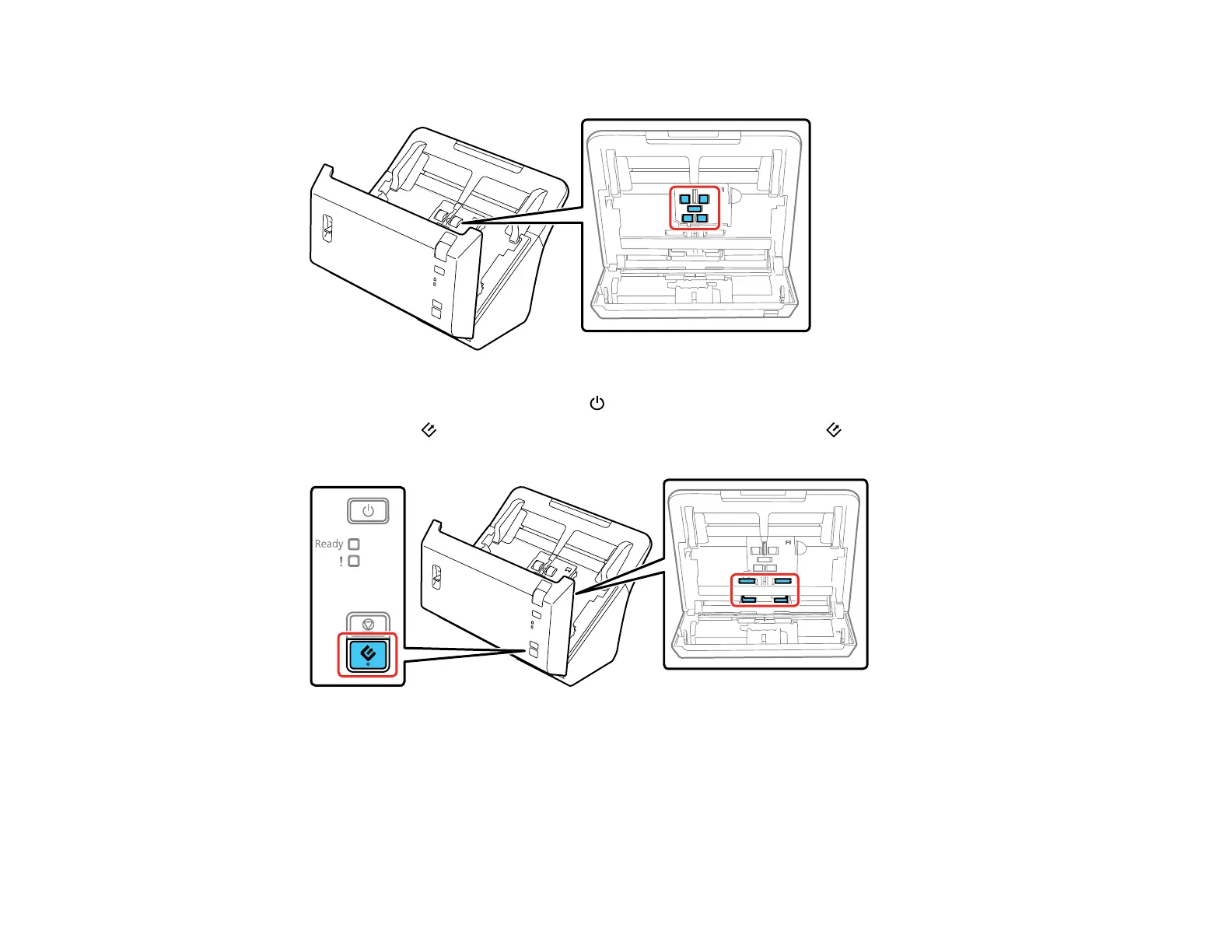
5. Wipe off any dust or dirt on the pickup rollers.
6. Plug in the AC adapter and press the power button to turn on the scanner.
7. Hold down the scan button for at least two seconds, and press the scan button several times to
rotate the rollers shown here. Wipe off any dust or dirt on the rollers as they rotate.
8. Turn off the scanner and unplug the AC adapter.








 To Next Page