Publishing Discs 87
Canceling Publishing
If you need to cancel publishing, follow the instructions below.
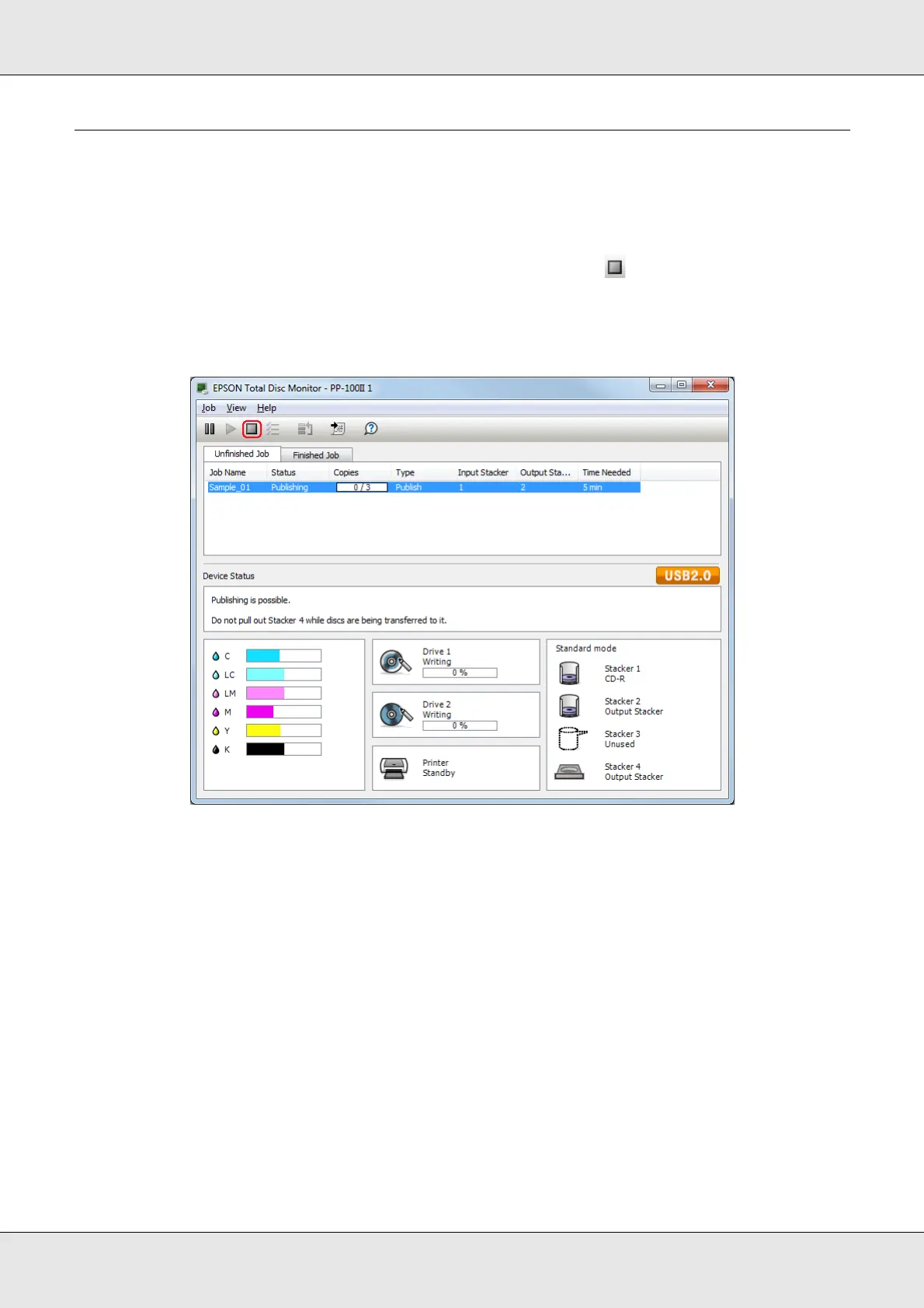
Start EPSON Total Disc Monitor. Select the job you want to cancel in the Unfinished Job
list, and then select Cancel Job from the Job menu or click button.
Note:
If a disc is being published, that processing is stopped, and the disc is output to the output stacker.



 To Next Page