48
∗1: Supported by Ver. 3.2.0 or later.
∗2: Enabled only under the following conditions.
Epson TM Utility for iOS/Android Ver.3.6.0 or later
TM-m30 Utility for Windows Ver.1.20 or later
Firmware version 1.13 ESC/POS or later
Functions
Receive buffer capacity
• 4KB (initial setting)
• 45 bytes
BUSY condition
• Receive buffer full/Offline (initial setting)
• Receive buffer full
Auto line feed
• Normally disabled (initial setting)
• Normally enabled
USB power-saving function
• Disabled
• Enabled (initial setting)
Communication condition of Bluetooth interface
✔✔
Bluetooth communication interval during power
saving mode
*2
✔✔✔
• For information about how to use the software setting mode, see
"Software Setting Mode" on
page 62
.
• All items can be set with ESC/POS commands.
The receive buffer capacity for the Bluetooth interface is 64 K bytes.
In either case above, the printer enters the BUSY state after power is turned on, and when a self-test
is being run.
The USB power-saving function is valid only when the USB interface communication condition is
set to the vendor-defined class and the system configuration is set so that the USB driver can
support the USB power-saving function.
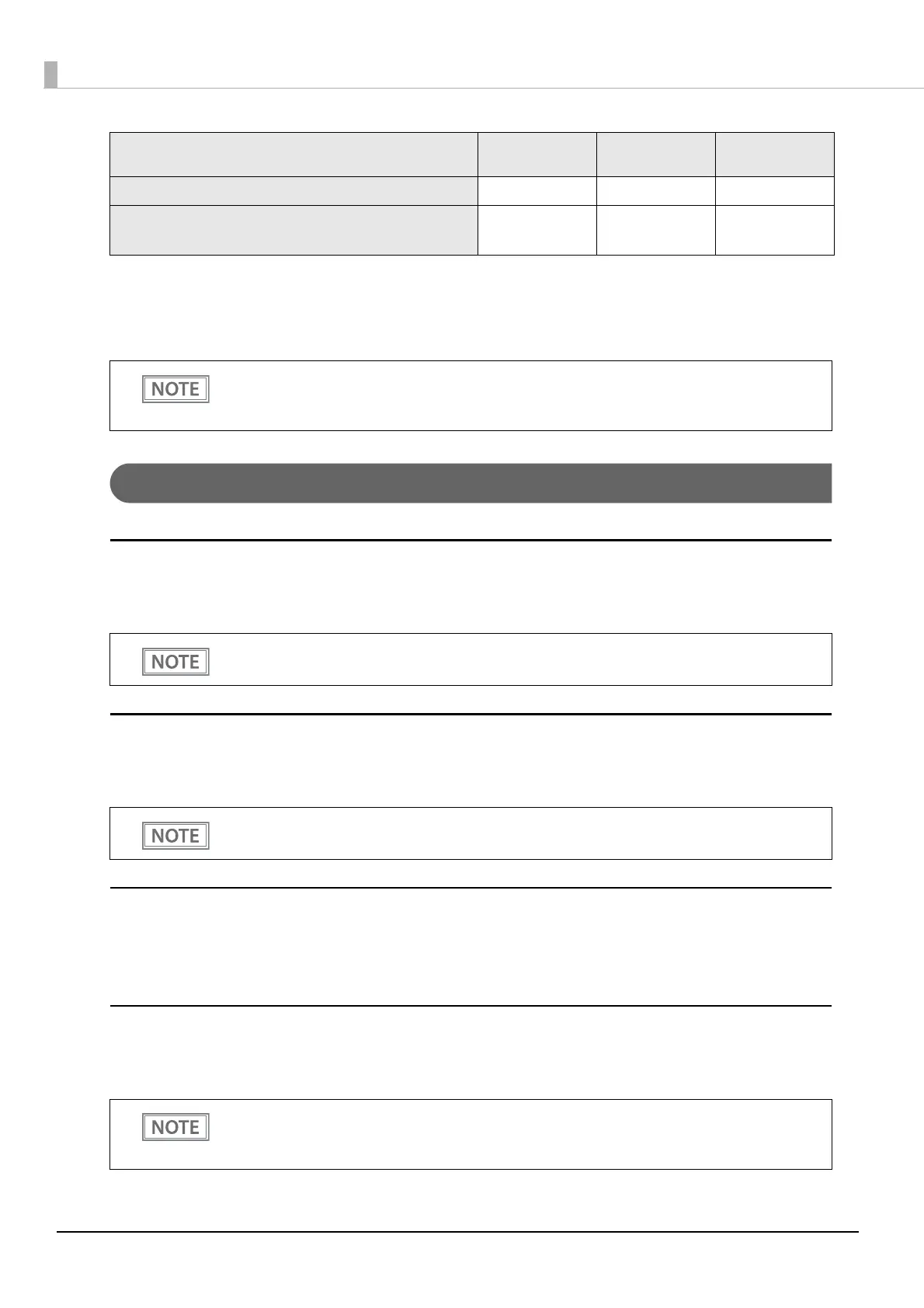
Item\Method
TM Utility for iOS,
for Android
TM-m30 Utility
for Windows
Software
Setting Mode



 To Next Page
 Loading...