165
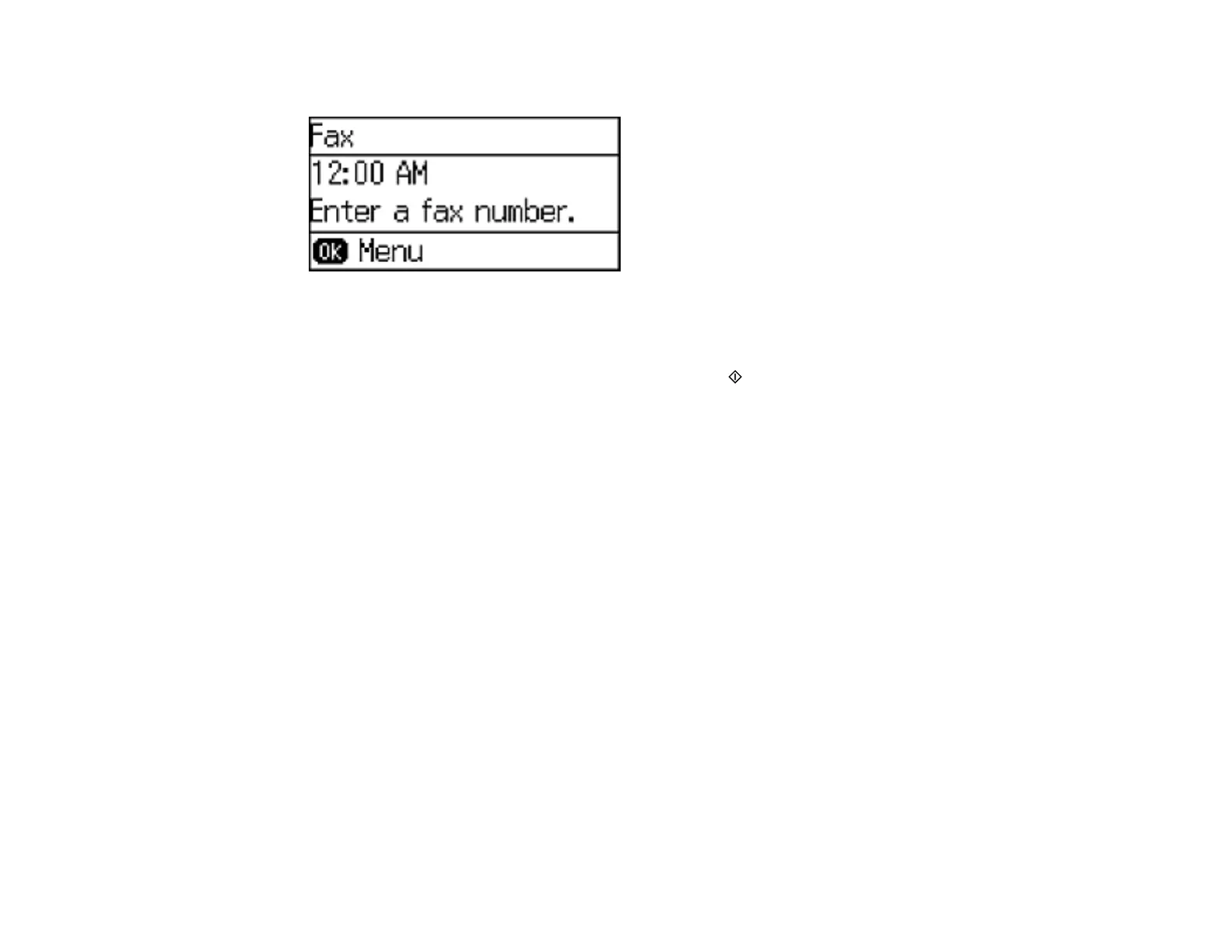
You see a screen like this:
3. Press the OK button to enter the Fax Menu.
4. Select Fax Report, and press the OK button.
5. Select the report you want to print, and press one of the Start buttons.
Parent topic: Setting Up Fax Features Using the Product Control Panel
Related references
Fax Report Options
Fax Report Options
Select the fax report or list you want to print.
Fax Settings List
Print a list of the current fax communication settings.
Fax Log
View or print a report on recent fax transmissions.
Last Transmission
Print a report on the previous fax that was sent or received through polling.
Protocol Trace
Print a detailed report for the previous sent or received fax.
Parent topic: Setting Up Fax Features Using the Product Control Panel
Setting Up Fax Features Using the Fax Utility - Windows
You can set up your fax header and select your fax settings using the FAX Utility for Windows.















 To Next Page