221
5. Select Vertical Alignment or Horizontal Alignment and press the OK button.
6. Press the Color button to print an alignment sheet.
Note: Do not cancel printing while you are printing a head alignment pattern.
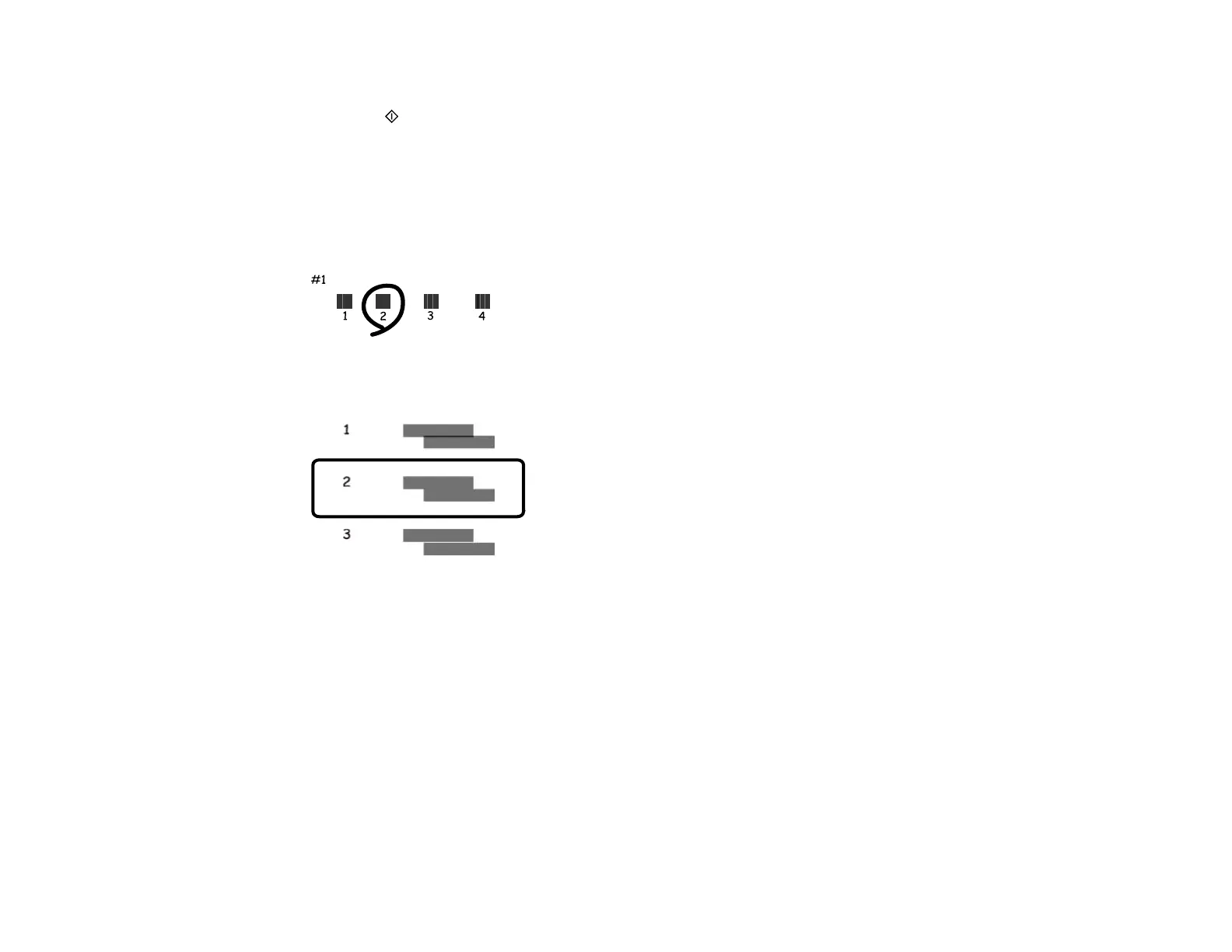
7. Check the printed pattern and press the up or down arrow buttons to choose the number
representing the best printed pattern for each set.
Vertical alignment
Horizontal alignment
8. Press the OK button after each selection.
Parent topic: Print Head Alignment
Aligning the Print Head Using a Computer Utility
You can align the print head using a utility on your Windows or Mac computer.
1. Load a few sheets of plain paper in the product.
2. Do one of the following:
• Windows: Access the Windows Desktop and right-click the product icon in the Windows taskbar.















 To Next Page