234
1. Press the up or down arrow button, select Setup, and press the OK button.
2. Press the up or down arrow button, select Restore Default Settings, and press the OK button.
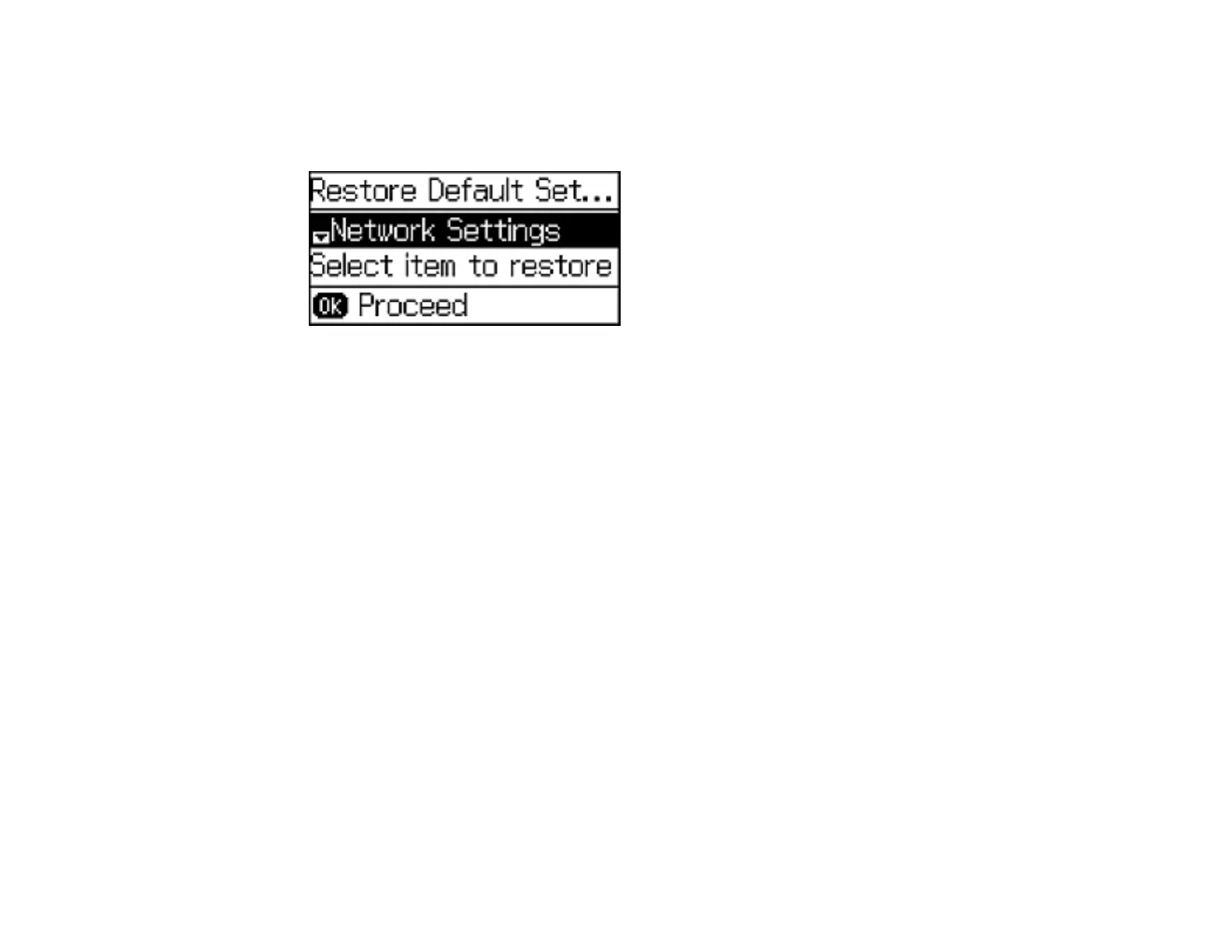
You see this screen:
3. Press the up or down arrow button to select one of these options and press the OK button.
• Network Settings: Restores all of the default network settings.
• Fax Settings: Restores all of the fax settings.
• Clear All Data and Settings: Restores all of the default settings and resets contact and network
data on the control panel.
You see a confirmation screen.
4. Press the up arrow button to reset the selected settings. Press the down arrow button if you want to
cancel the operation.
Parent topic: Solving Problems
Solving Setup Problems
Check these sections if you have problems while setting up your product.
Noise After Ink Installation
Software Installation Problems
Parent topic: Solving Problems




 To Next Page