243
Paper Jam Problems Inside the Product
If paper has jammed inside the product, follow the steps here to clear the jam.
1. Cancel the print job, if necessary.
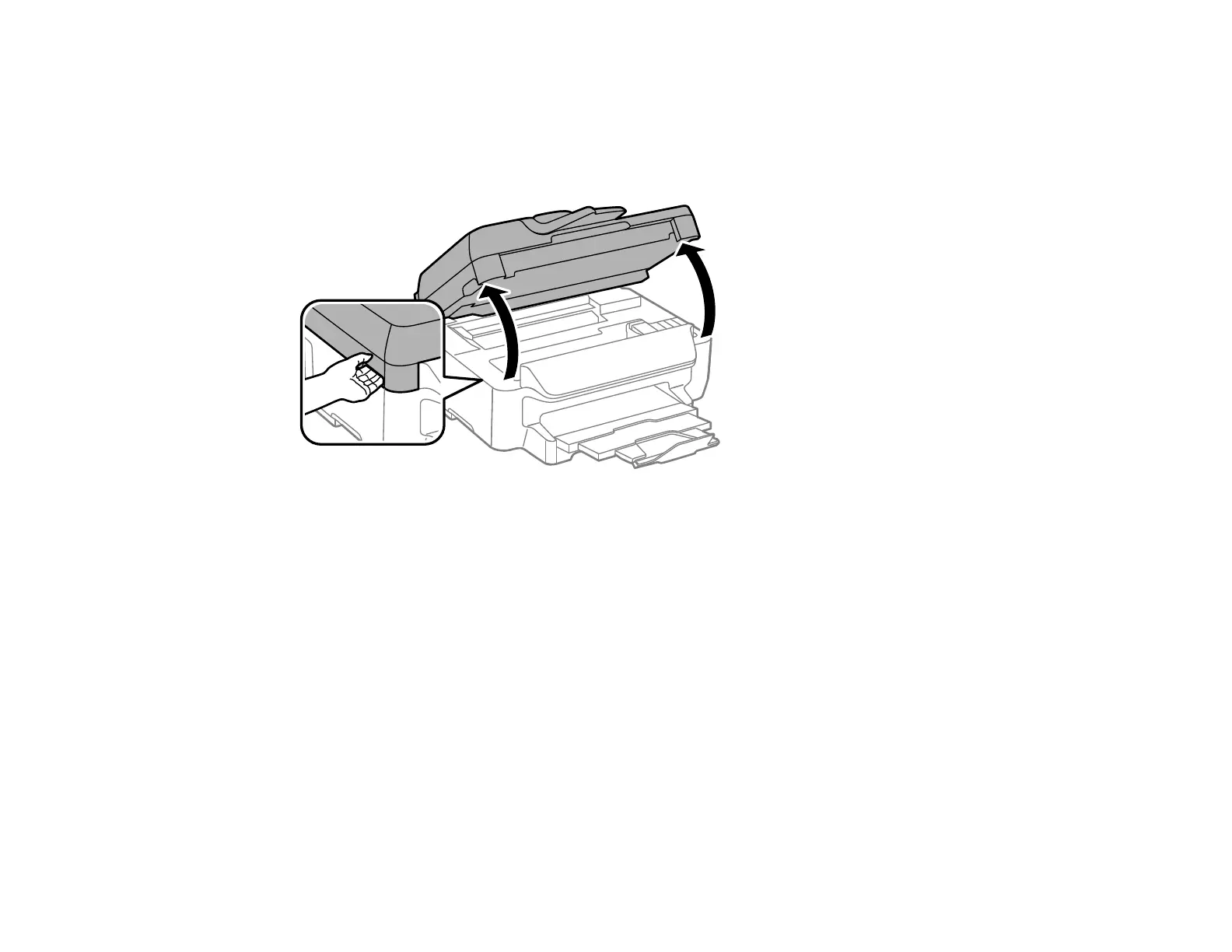
2. Lift the scanner unit.
Caution: Do not touch the flat white cable inside the printer. Do not lift the scanner unit while the
document cover is open.















 To Next Page