75
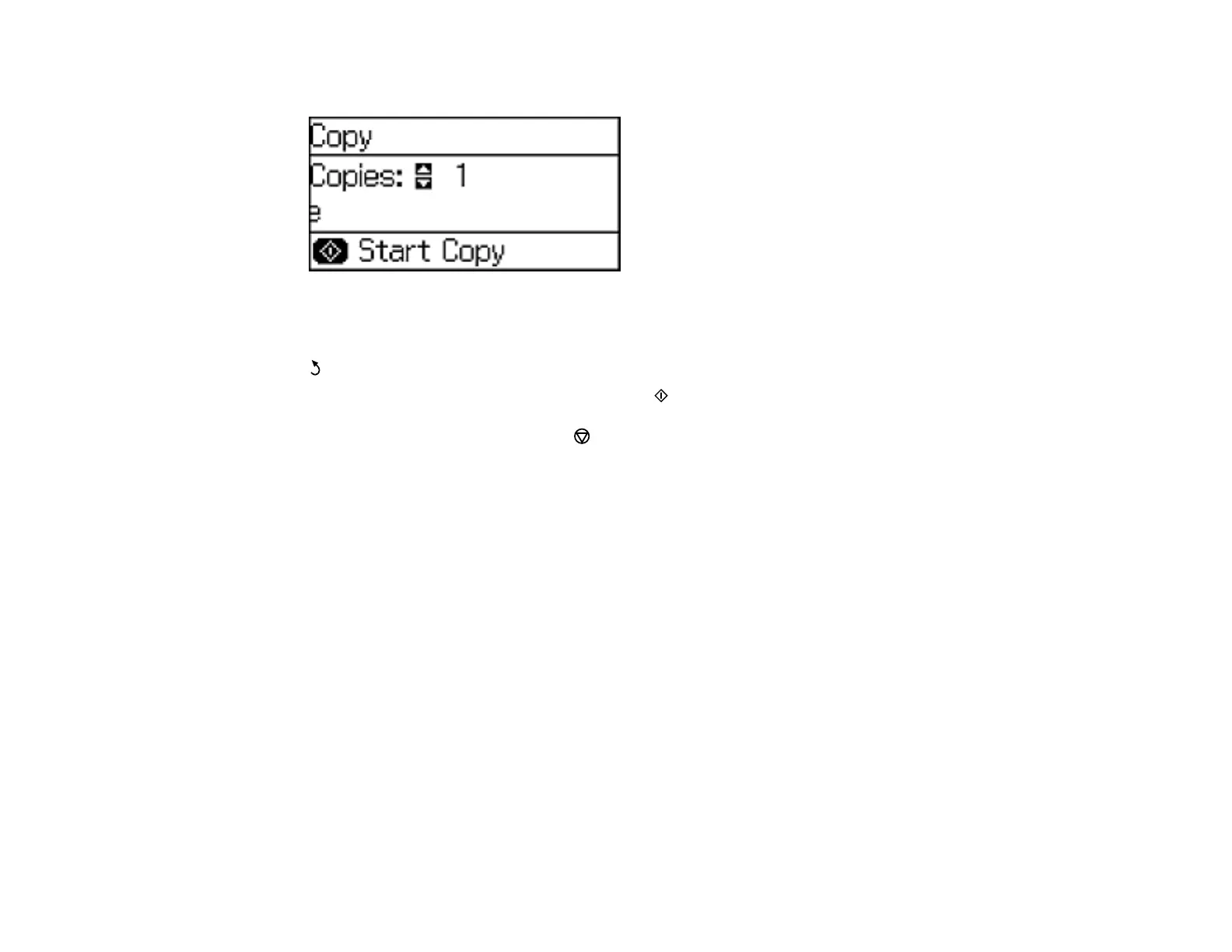
You see a screen like this:
6. To print more than one copy, press a number key or the up or down arrow button.
7. Press the OK button to view and change additional copy settings, if necessary. Then press the
back button.
8. When you are ready to copy, press one of the Start buttons.
Note: To cancel printing, press the Stop/Reset button or select Cancel.
Parent topic: Copying
Related references
Paper Loading Capacity
Available Epson Papers
Copying Options
Paper Type Settings - Control Panel
Related topics
Loading Paper
Placing Originals on the Product
Copying Options
Select the copying options you want to use for your copies.
Note: Not all options or settings may be available, depending on other copying settings.















 To Next Page