67
Paper Source Options
Select the paper source options you want to use for all print jobs.
Paper Source
option
Available settings Description
A4/Letter Auto
Switching
On (Auto) If Letter or A4-size paper is selected for printing and the
selected paper size is not loaded, the product attempts to
print on an alternate paper size (Letter for A4, or A4 for
Letter).
Off
Error Notice Paper Size Notice Select On to display an error message when the paper size
and type settings and the copy/print settings in each mode
do not match.
Paper Type Notice
Parent topic: Selecting the Paper Settings - Control Panel
Selecting Universal Print Settings
You can change the default universal print settings using the product control panel.
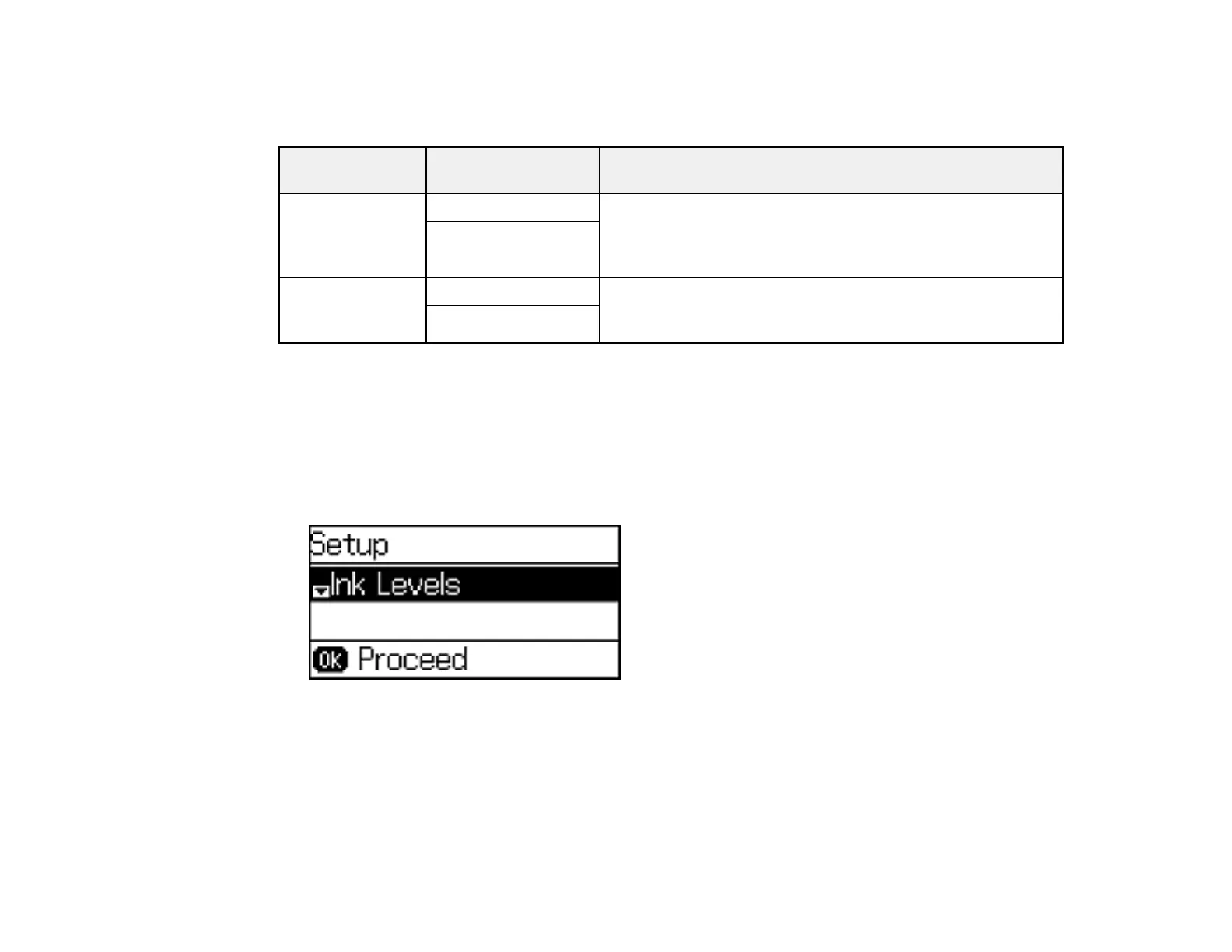
1. Press the up or down arrow buttons, select Setup, and press the OK button.
You see this screen:
2. Press the down arrow button, select Universal Print Settings, and press the OK button.















 To Next Page