96
Checking Print Status - Windows
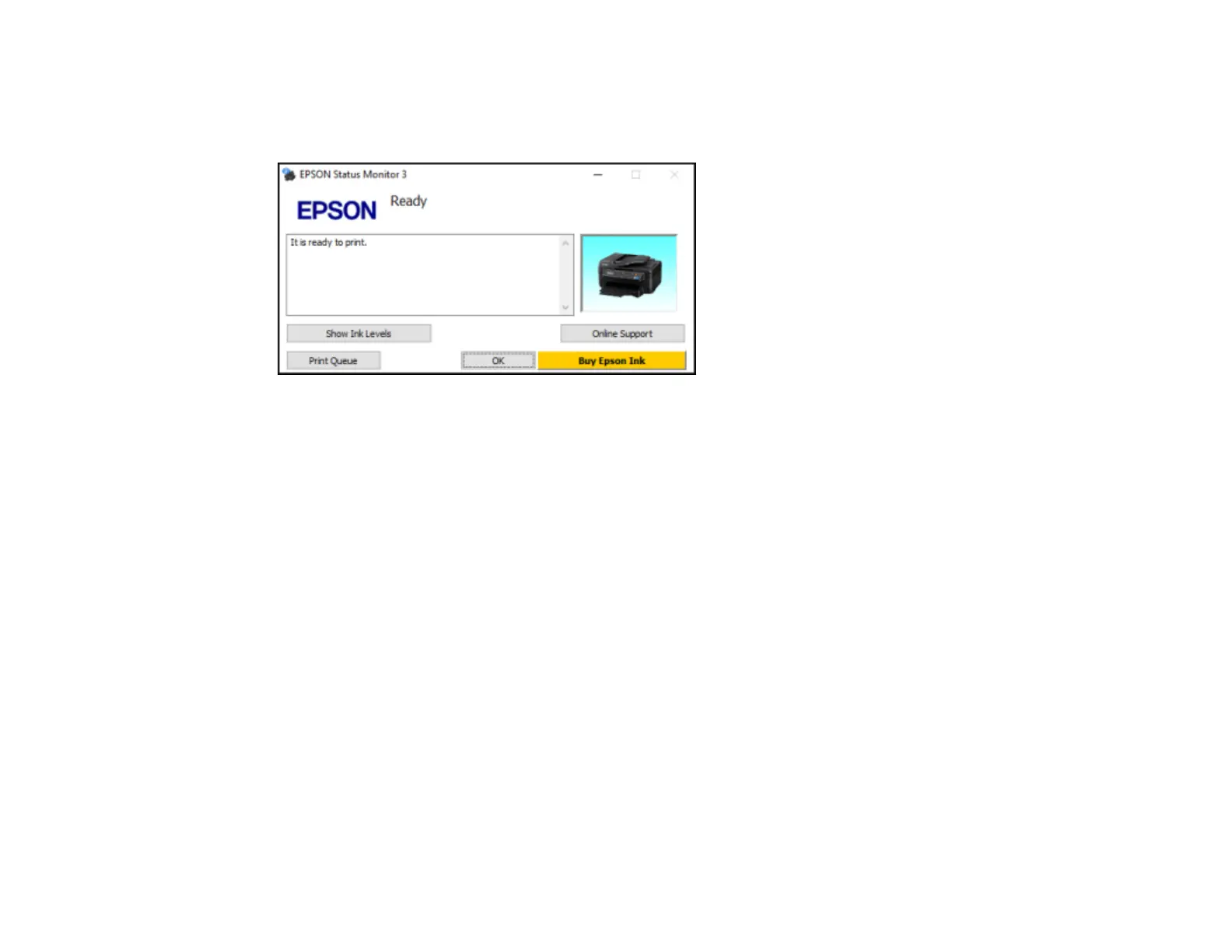
During printing, you see this window showing the progress of your print job. It allows you to control
printing and check ink cartridge status.
• To see print jobs waiting to print or to cancel printing, click Print Queue.
• To close the status window, click OK.
• To check ink status, click Show Ink Levels.
Parent topic: Printing Your Document or Photo - Windows
Selecting Default Print Settings - Windows
When you change your print settings in a program, the changes apply only while you are printing in that
program session. If you want to change the print settings you use in all your Windows programs, you can
select new default print settings.
1. Access the Windows Desktop and right-click the product icon in the Windows taskbar.
2. Select Printer Settings.















 To Next Page