56
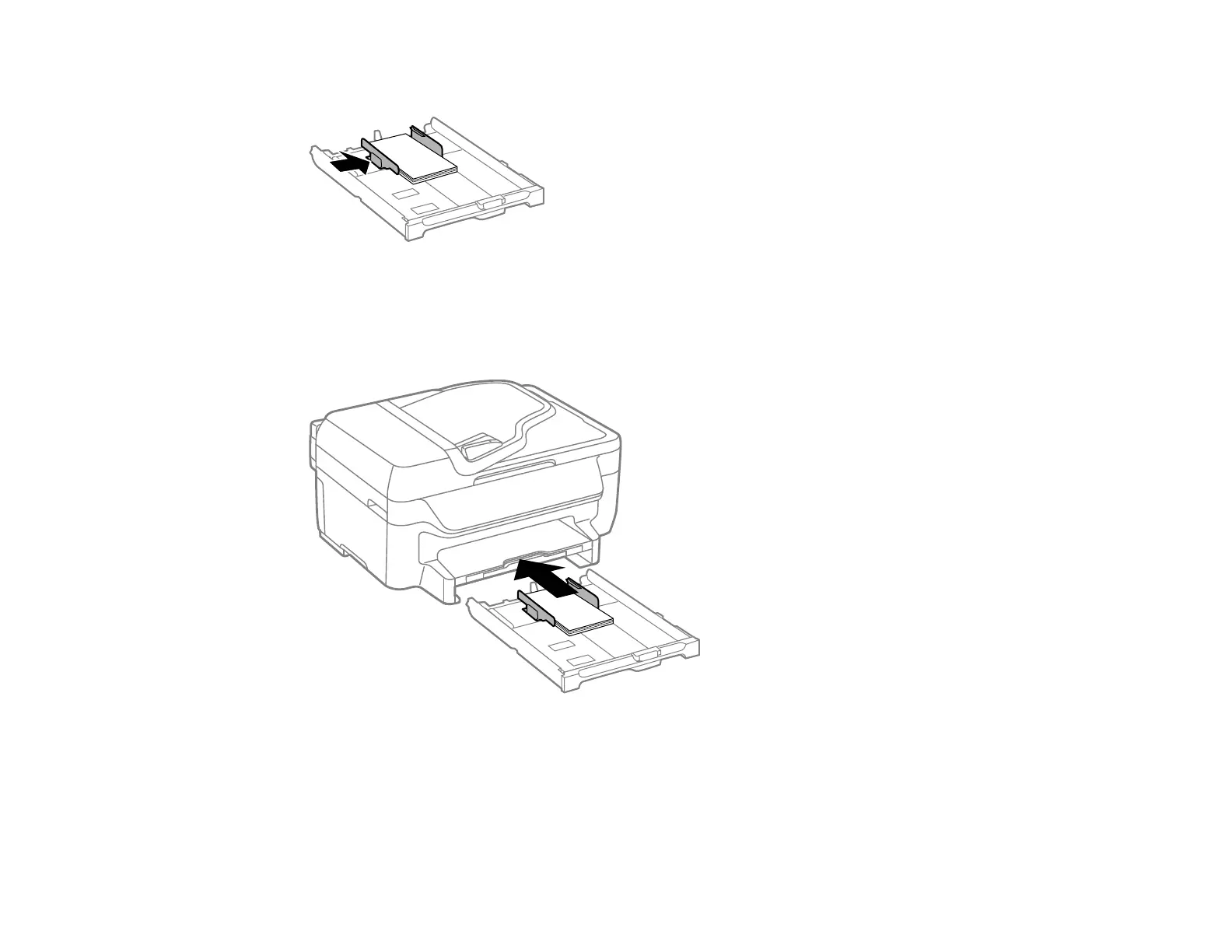
6. Slide the edge guides against the paper, but not too tightly.
Caution: To prevent paper feeding problems, make sure the paper fits beneath the top edges of the
guides and do not load too much paper in the cassette.
7. Gently insert the paper cassette.
Note: The paper may slide forward slightly as you insert the cassette. This is normal.
8. When prompted by the product's LCD screen, select the size and type of the paper you just loaded
and press the OK button.















 To Next Page