60
Note: Make sure the envelopes are loaded against the edge guide and not sticking out from the end
of the cassette.
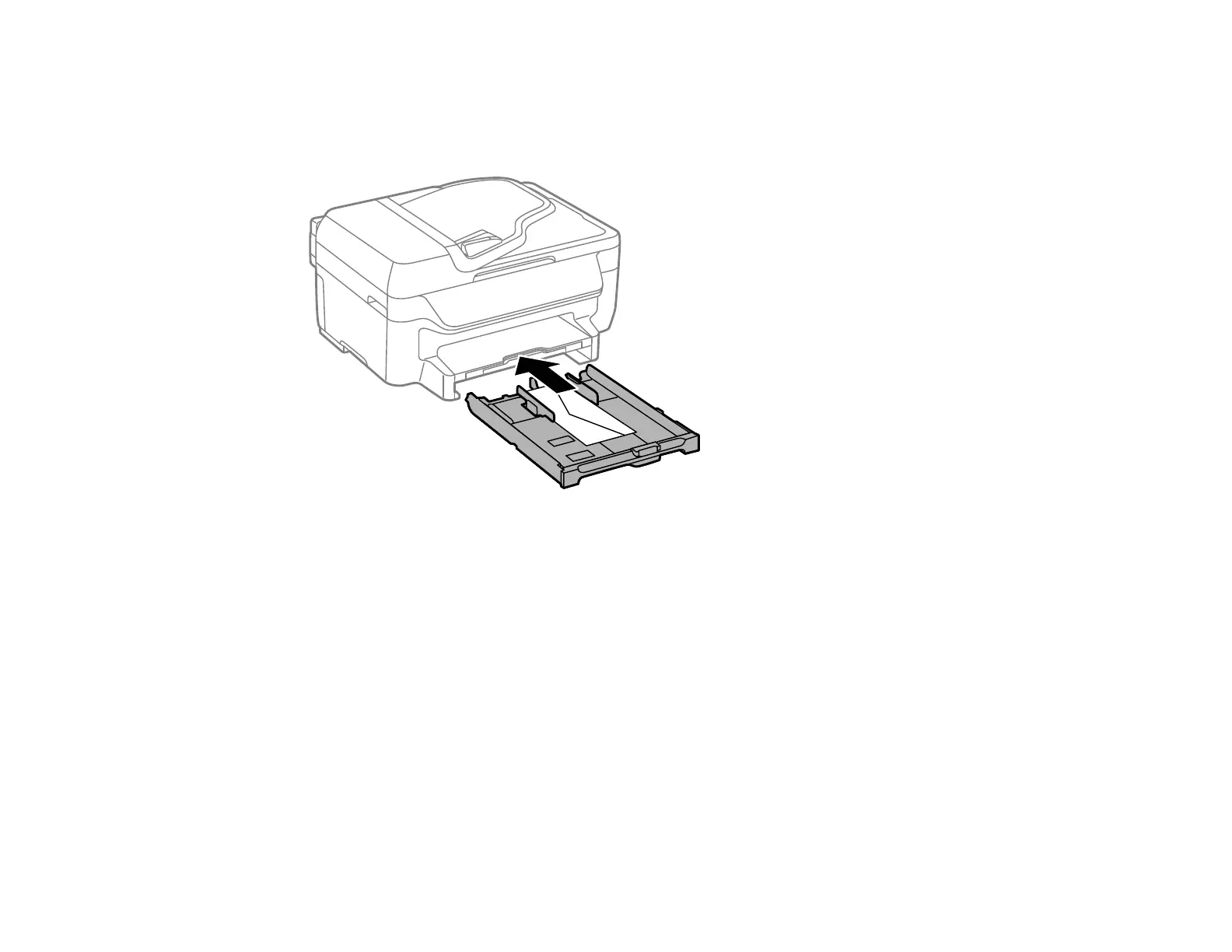
6. Gently insert the paper cassette.
Note: The envelopes may slide forward slightly as you insert the cassette. This is normal.
7. When prompted by the product's LCD screen, select Envelope #10 for the Paper Size and
Envelope for the Paper Type, and press the OK button.















 To Next Page