1.
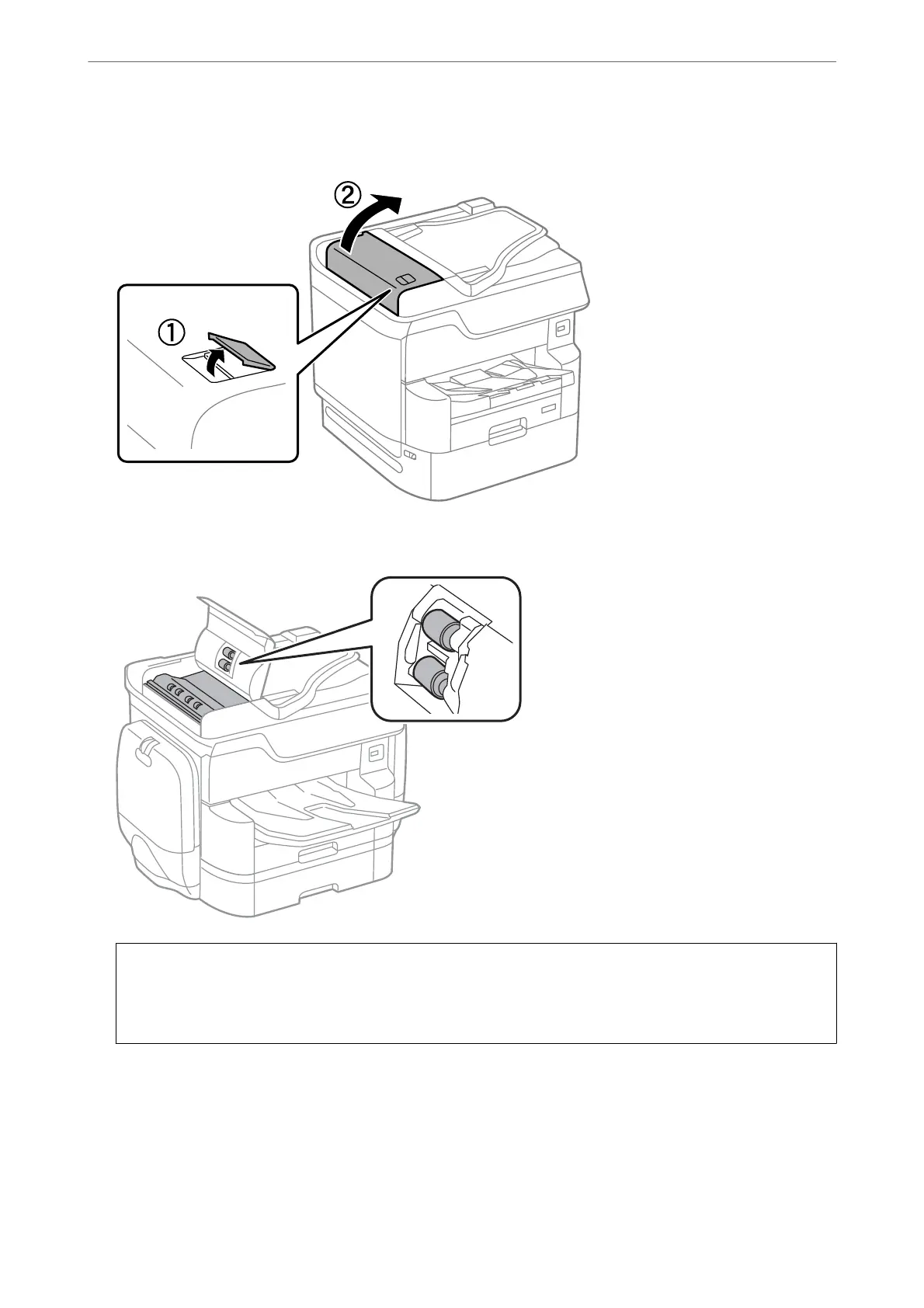
Open the ADF cover.
2.
Use a so, moist cloth to clean the roller and the interior of the ADF.
c
Important:
❏ Using a dry cloth may damage the surface of the roller.
❏ Use the ADF aer the roller has dried.
Maintaining the Printer
>
Improving Print, Copy, Scan, and Fax Quality
>
Cleaning the ADF
173















 To Next Page