2.
Disconnect any connected cables.
Note:
If other paper cassette units have been installed, uninstall them as well.
3.
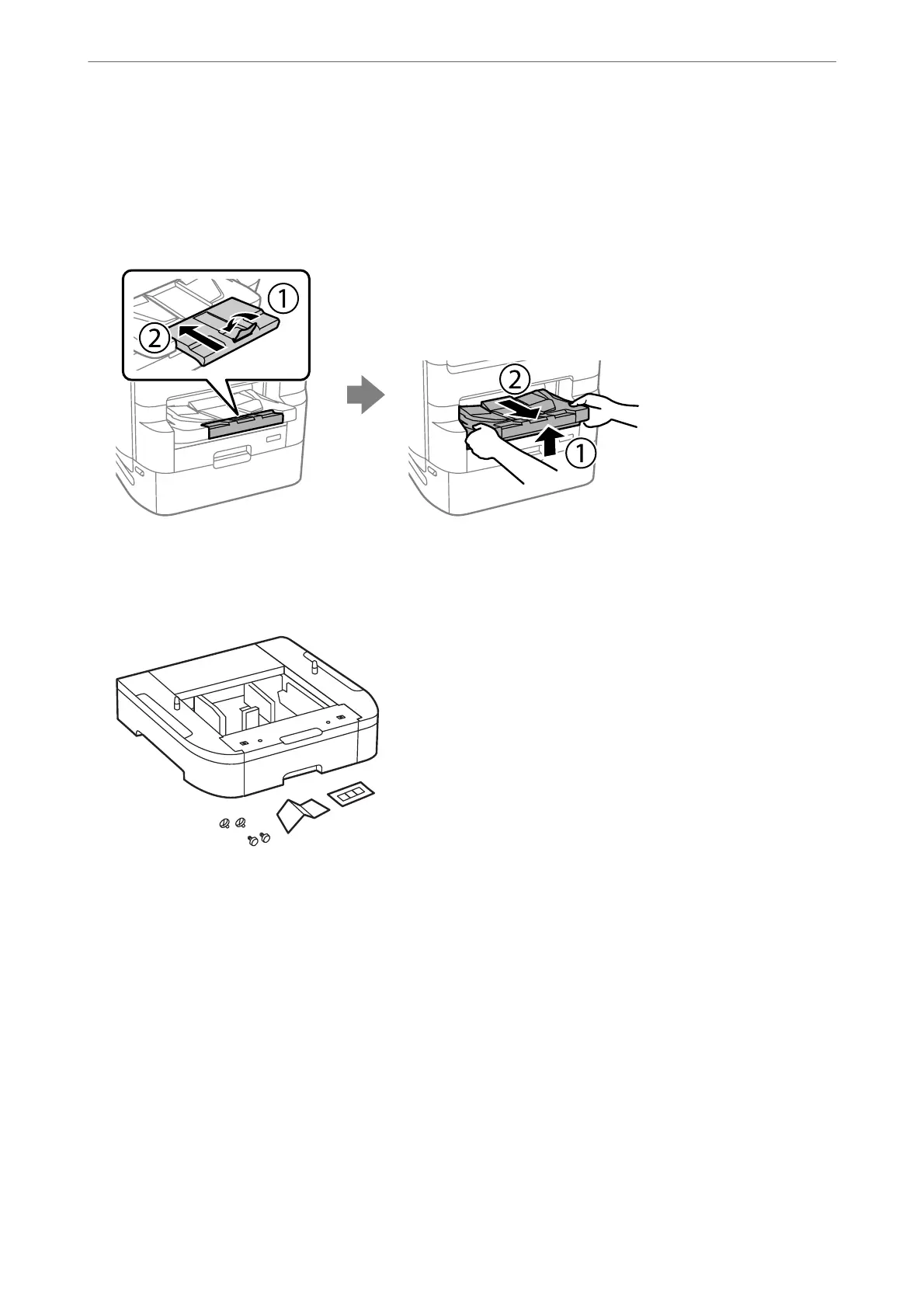
Remove the output tray.
4.
Remove the paper cassette unit from its box, and then remove any protective materials.
5.
Check the items supplied.
6.
Place the paper cassette unit where you want to set up the printer.
Using Optional Items
>
Optional Cassette Unit
>
Installing the Paper Cassette Units
324



 To Next Page
 Loading...












