12
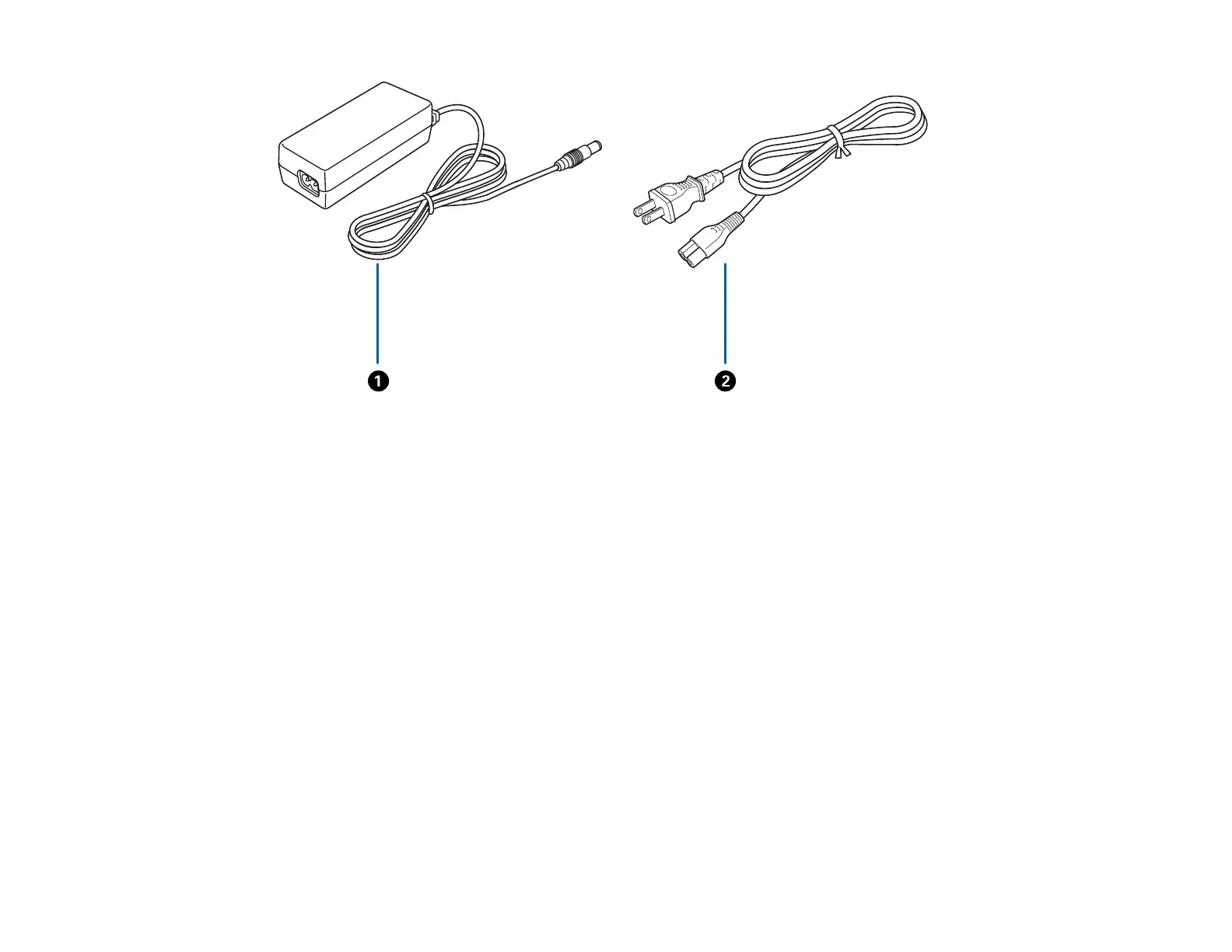
1 AC adapter
2 Power cord
Parent topic: Scanner Basics
Scanner Position (DS-32000)
The scanner has multiple scanning positions, depending on the amount and type of scanning you are
doing. You can place the scanner in Normal Mode to scan regular documents or Delicate Mode to either
scan fragile documents or use automatic scanning. The scanner can also be put in Storage Mode when
not in use.
Normal Mode












 To Next Page