19
Moving the Scanner
You can use the rollers underneath the scanner to easily move the scanner on a surface.
Note: When the scanner is in Storage Mode, the power turns off and the output tray is locked in position.
1. Turn off the scanner and remove all cables.
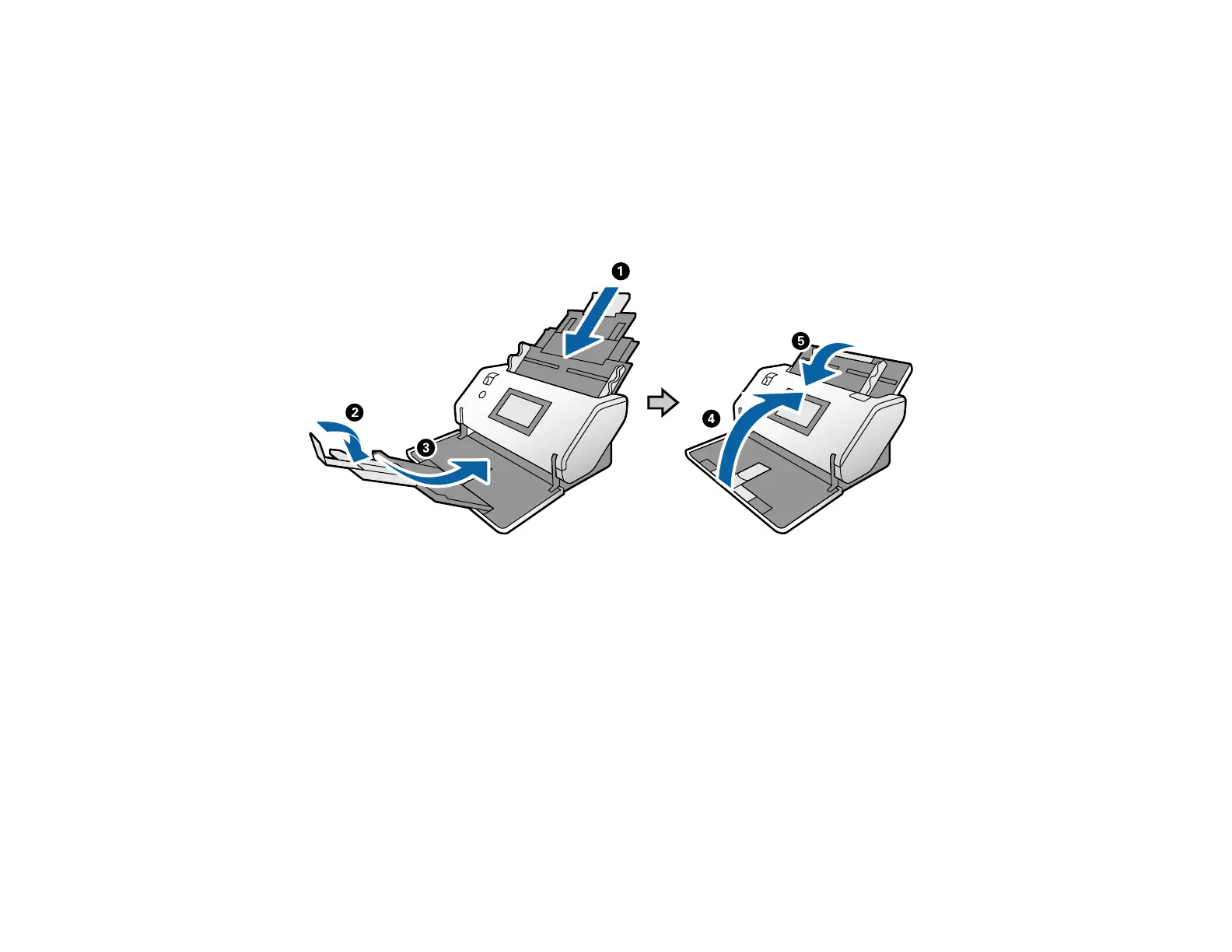
2. Close the input and output trays.
Note: Make sure you close the output tray securely












 To Next Page