20
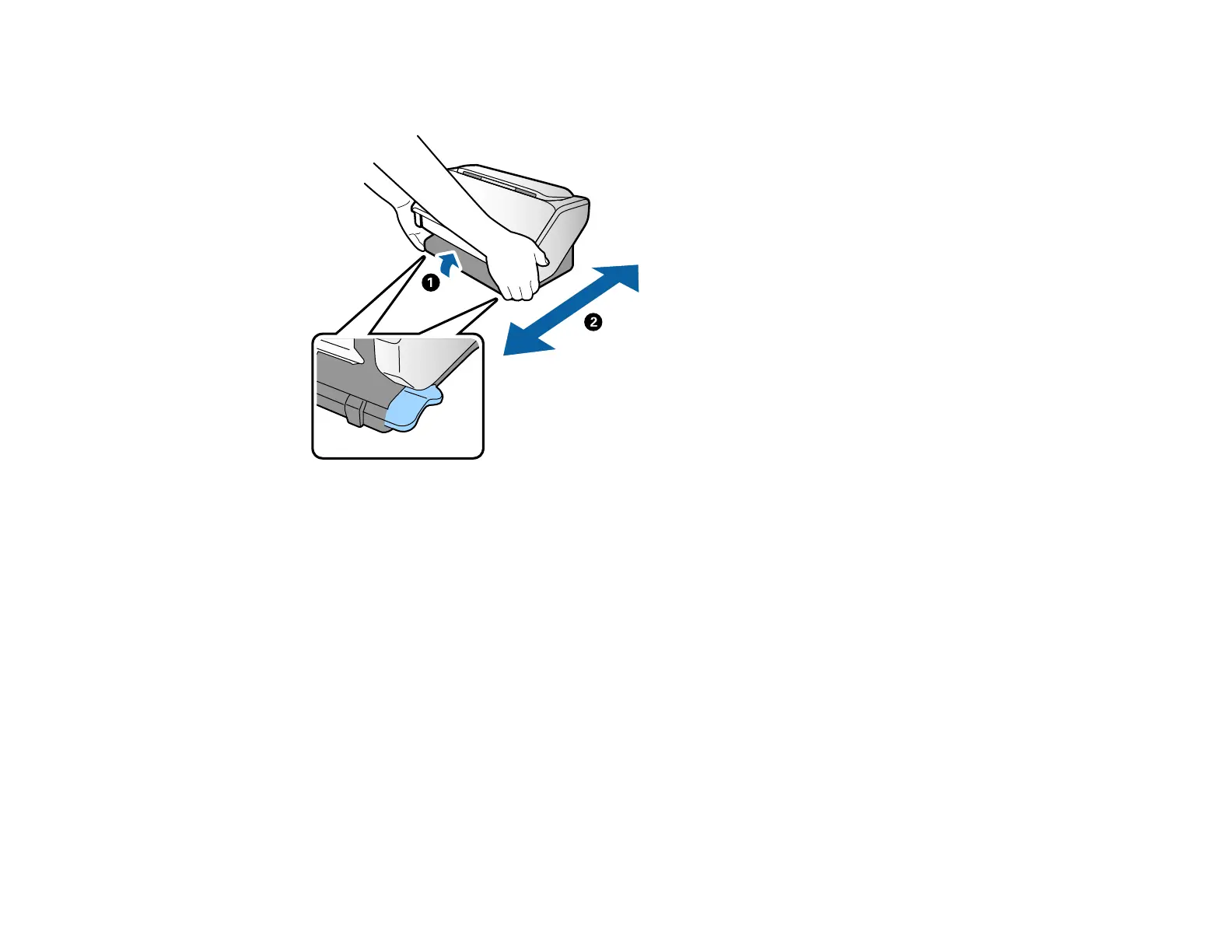
3. Lift the scanner slightly from the front as shown below and roll it to the new location. Do not lift too far
or the rear of the scanner may scrape the surface.
Note: Do not touch the antistatic brush underneath the output tray.
Parent topic: Scanner Basics
Using the Control Panel
See these sections to learn about the control panel and select control panel settings.
Control Panel Buttons and Lights
Changing LCD Screen Language
Adjusting Control Panel Sounds
Adjusting the Screen Brightness
Entering Characters on the LCD Screen
Setting a Password and Locking the Control Panel
Rotating the Control Panel (DS-32000)
Parent topic: Scanner Basics












 To Next Page