22
Icons Description
Indicates that the roller assembly kit needs to be replaced. Press the icon to display the
message.
(DS-32000) Rotates the screen when the scanner is in Delicate Mode. Press the icon to
display the Screen Orientation screen.
Displays additional information or instructions.
There is a problem with the indicated setting. Press the icon to resolve the problem.
Parent topic: Control Panel Buttons and Lights
Changing LCD Screen Language
You can change the language used on the LCD screen.
Note: This setting can be locked by an administrator. If you cannot access or change this setting,
contact your administrator for assistance.
1. Press the home button, if necessary.
2. Select Settings.
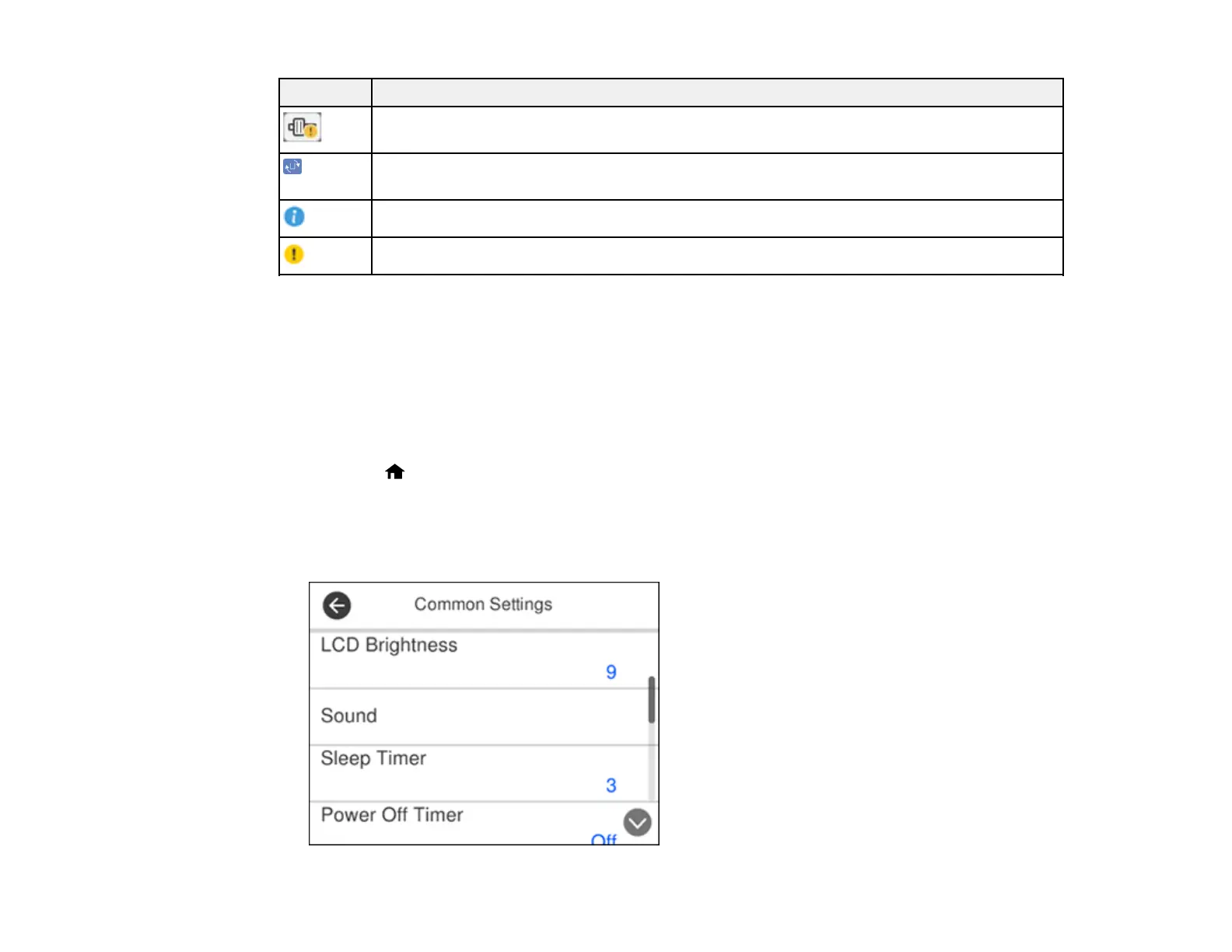
3. Select Common Settings.
You see a screen like this:












 To Next Page