25
Entering Characters on the LCD Screen
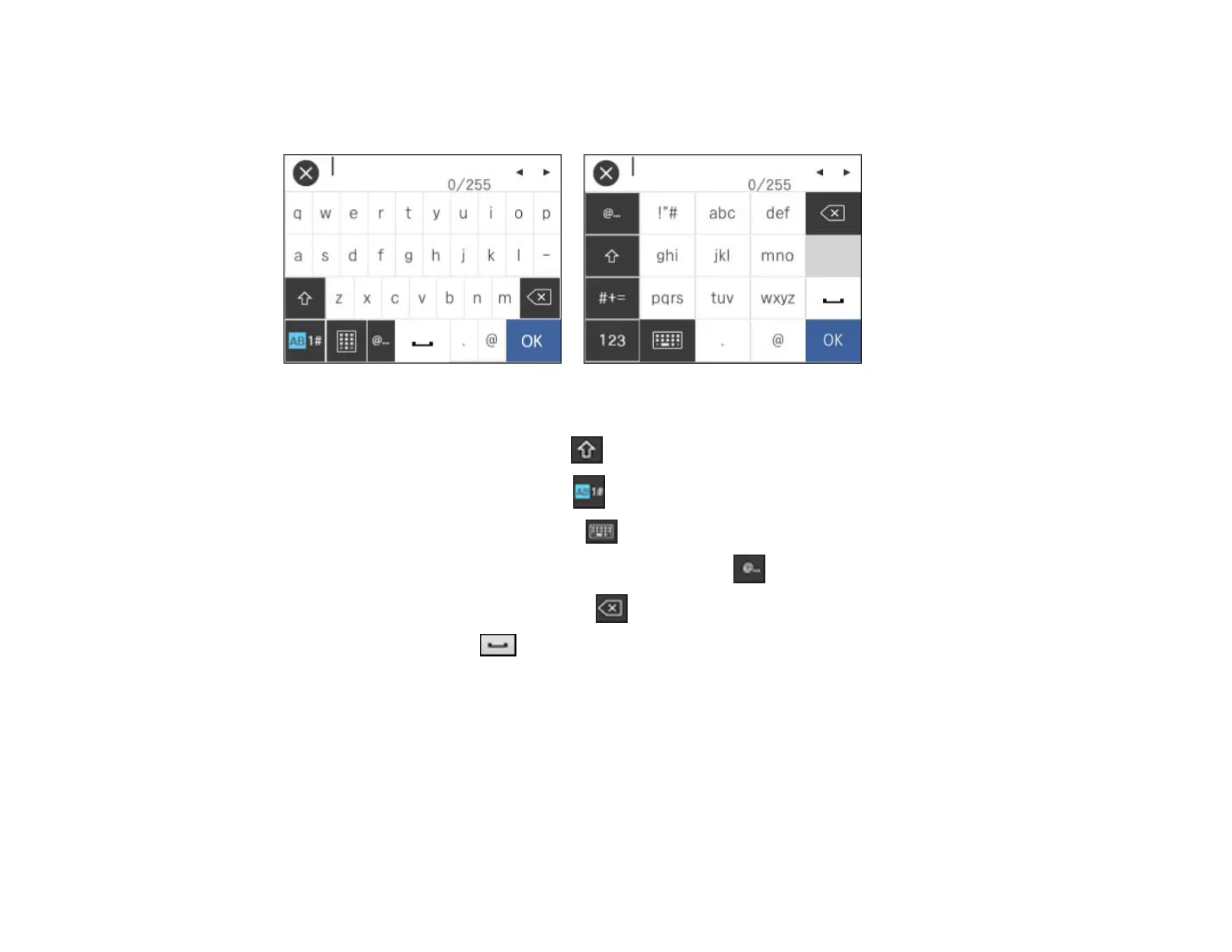
Follow these guidelines to enter characters for passwords and other settings.
• To move the cursor, select the left or right arrows.
• To change the case of letters, select .
• To enter numbers or symbols, select .
• To change the keyboard layout, select .
• To enter a frequently used domain address or URL, select .
• To delete the previous character, select .
• To enter a space, select .
Parent topic: Using the Control Panel
Setting a Password and Locking the Control Panel
You can set an administrator password to lock the following settings and prevent them from being
changed:
• Scan settings
• System Administration settings












 To Next Page