21
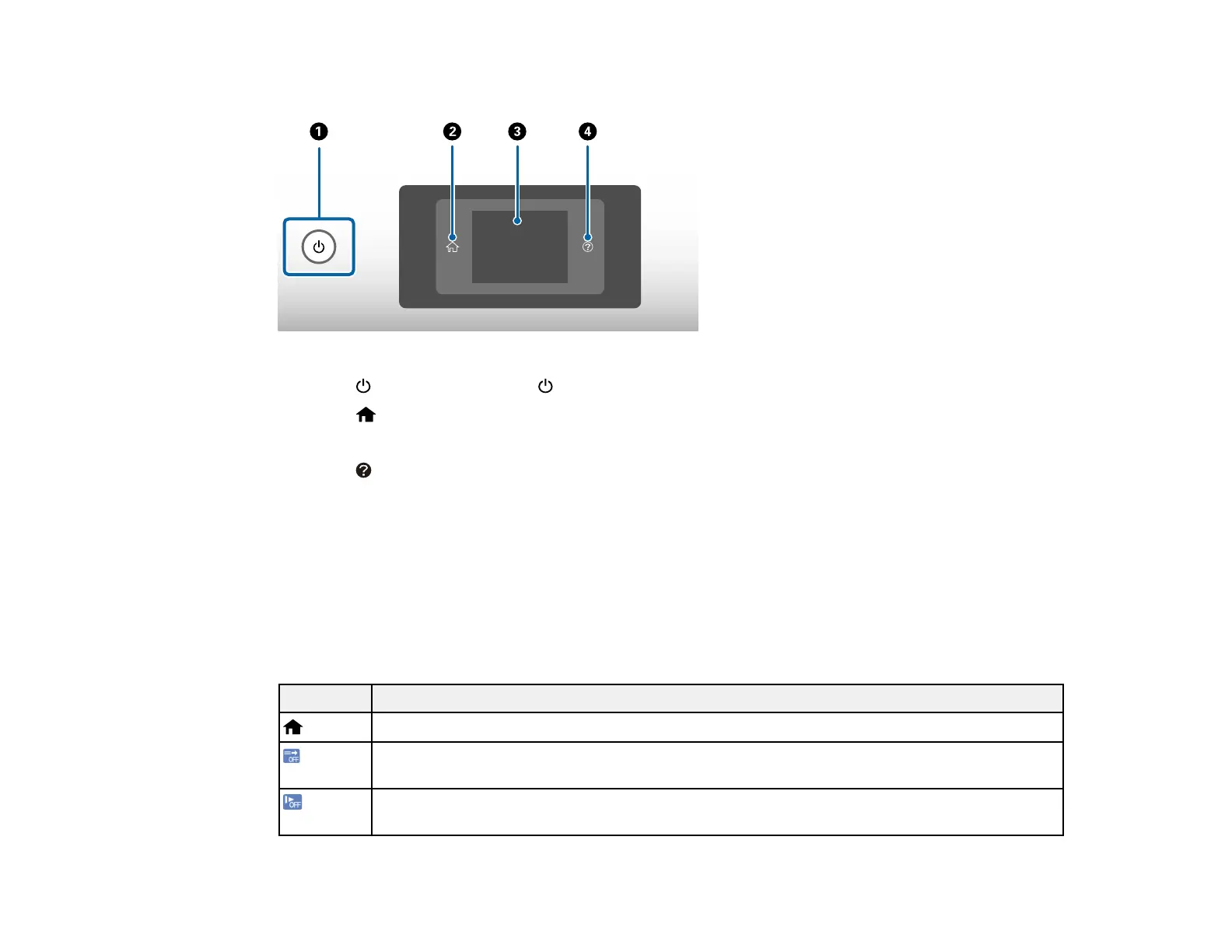
Control Panel Buttons and Lights
1
The power button and the power light
2
The home button
3 The LCD screen
4
The help button
Status Icon Information
Parent topic: Using the Control Panel
Status Icon Information
Your product displays status icons on the LCD screen for certain product status conditions.
Note: Access to the grayed-out functions is restricted to authorized users. Contact your administrator for
more information.
Icons Description
Displays the Home screen.
Indicates whether the Double Feed Detection Skip (DFDS) function is enabled. Press the
icon to switch the setting on or off.
Indicates whether slow mode is enabled. Paper feeding speed is reduced during scanning.
Press the icon to switch the setting on or off.












 To Next Page