27
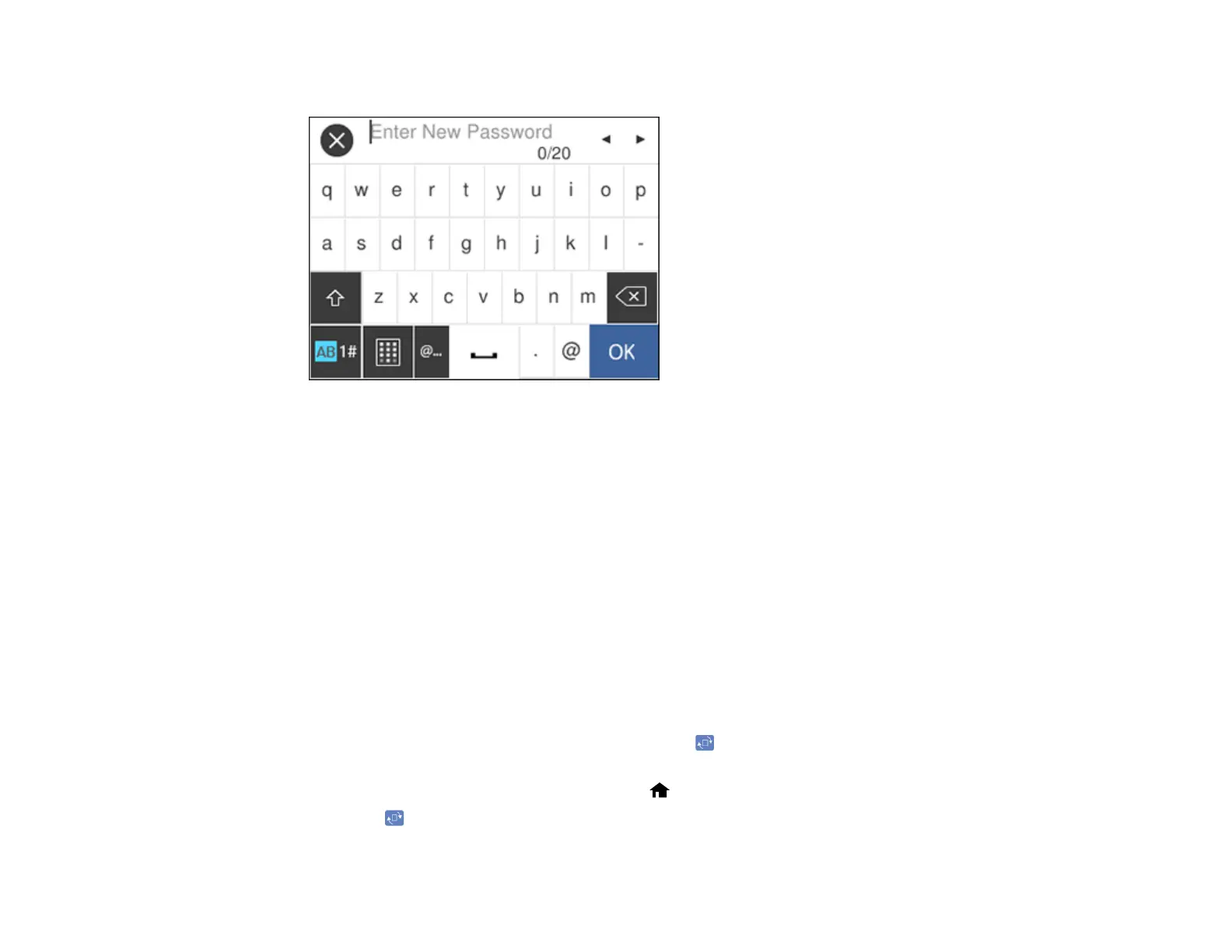
You see a screen like this:
7. Use the displayed keyboard to enter a password and select OK.
8. Enter your password again to confirm.
Note: Keep a copy of your password in a safe place.
9. Select OK.
10. Turn Lock Setting on.
When the control panel is locked, you must enter the password to access any of the locked settings.
Note: If you forget your password, contact Epson for assistance.
Parent topic: Using the Control Panel
Rotating the Control Panel (DS-32000)
When the scanner is in Delicate Mode, you can use the icon to rotate the LCD screen so the scanner
can be used in a sideways orientation.
1. With the scanner in Delicate Mode, press the home button, if necessary.
2. Press the icon.












 To Next Page