140
Transporting Your Scanner
If you need to ship your product, transport it a long distance, or store it for an extended period, prepare it
for transportation as described here.
1. Make sure the scanner is in Normal Feed mode. (DS-32000)
2. Turn off the scanner and unplug the AC adapter.
3. Disconnect any connected cables.
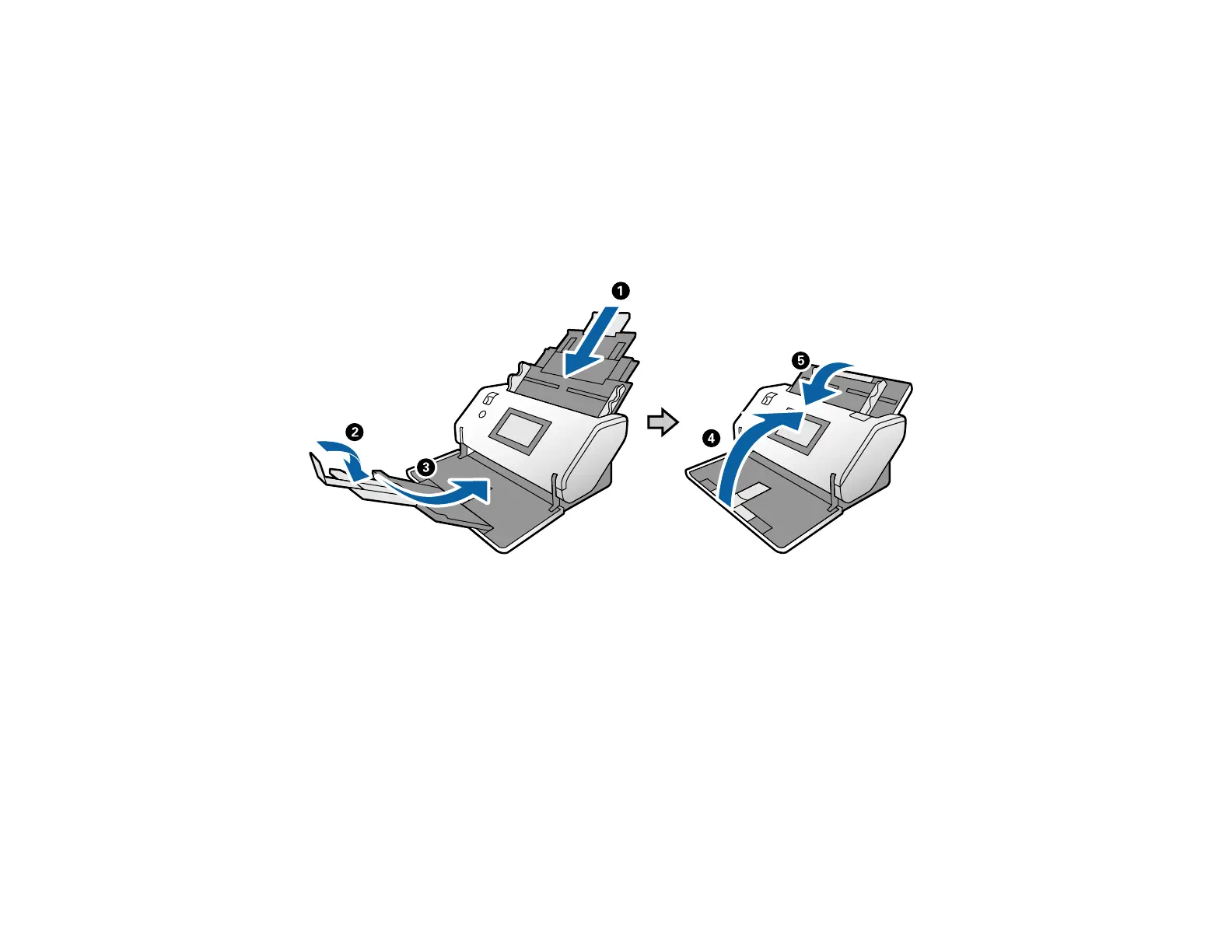
4. Close the input tray and the output tray.
Note: Make sure the output tray is securely closed.












 To Next Page