17
Related references
Feed Selector Lever
Related tasks
Rotating the Control Panel (DS-32000)
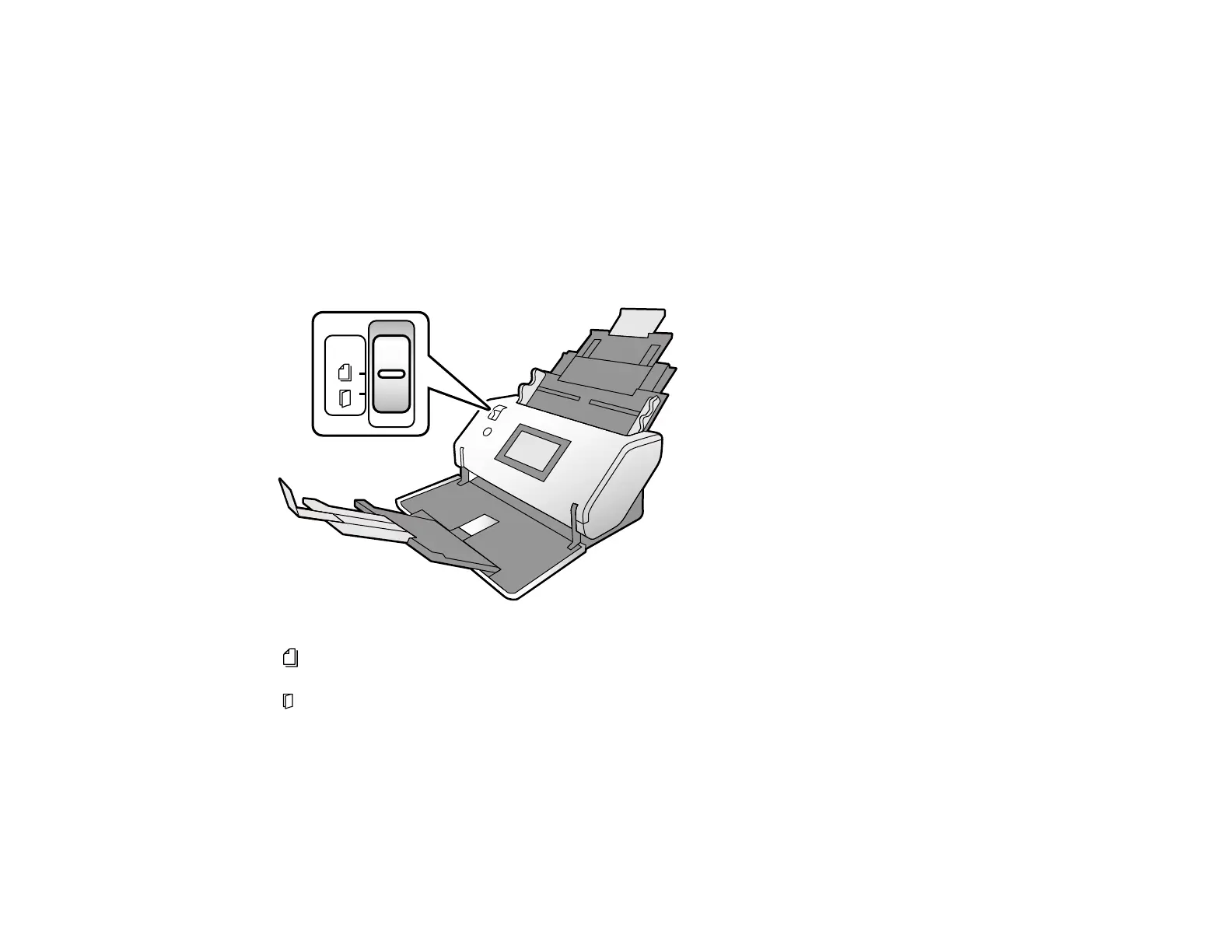
Feed Selector Lever
The feed selector lever adjusts the width of the scanner's document path to accommodate different types
of originals.
DS-30000
Normal Feed: Use this position when scanning plain paper, envelopes, plastic cards (without
embossing) and the carrier sheet.
Manual Feed: Use when feeding originals one at a time, or when scanning originals folded in half,
plastic cards with embossing, passport carrier sheets, or booklets.
Note: In the Manual Feed position, the double feed detection function is disabled.












 To Next Page