14
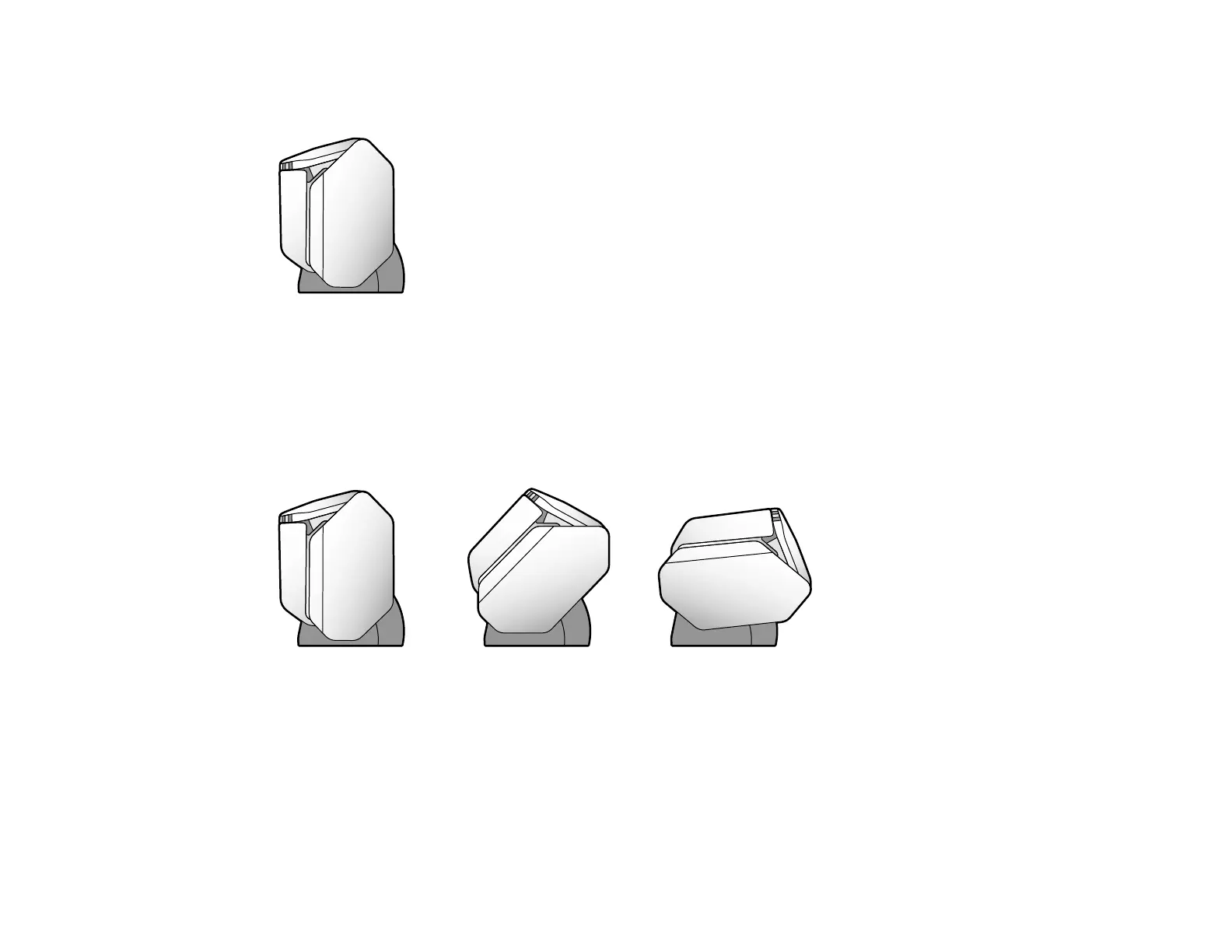
When the scanner is in Storage Mode, the output tray is locked into position and the scanner is as
compact as possible.
Changing the Scanner Position (DS-32000)
Parent topic: Scanner Basics
Changing the Scanner Position (DS-32000)
You can change the scanner position between Storage Mode, Normal Mode, and Delicate Mode
depending on what types of originals you want to scan.
1 Storage Mode
2 Normal Mode
3 Delicate Mode
Note: When the scanner is in Storage Mode, the power turns off and the output tray is locked in position.












 To Next Page