48
10. If necessary during scanning, adjust the position of the stopper on the output tray extension to fit the
ejected originals.
Parent topic: Loading Originals in the Input Tray
Related references
Feed Selector Lever
Related tasks
Changing the Scanner Position (DS-32000)
Loading Long Paper
You can load long paper up to 220 inches (5588 mm) long in the input tray. Some items may require a
carrier sheet. Make sure the original meets the specifications before loading it.
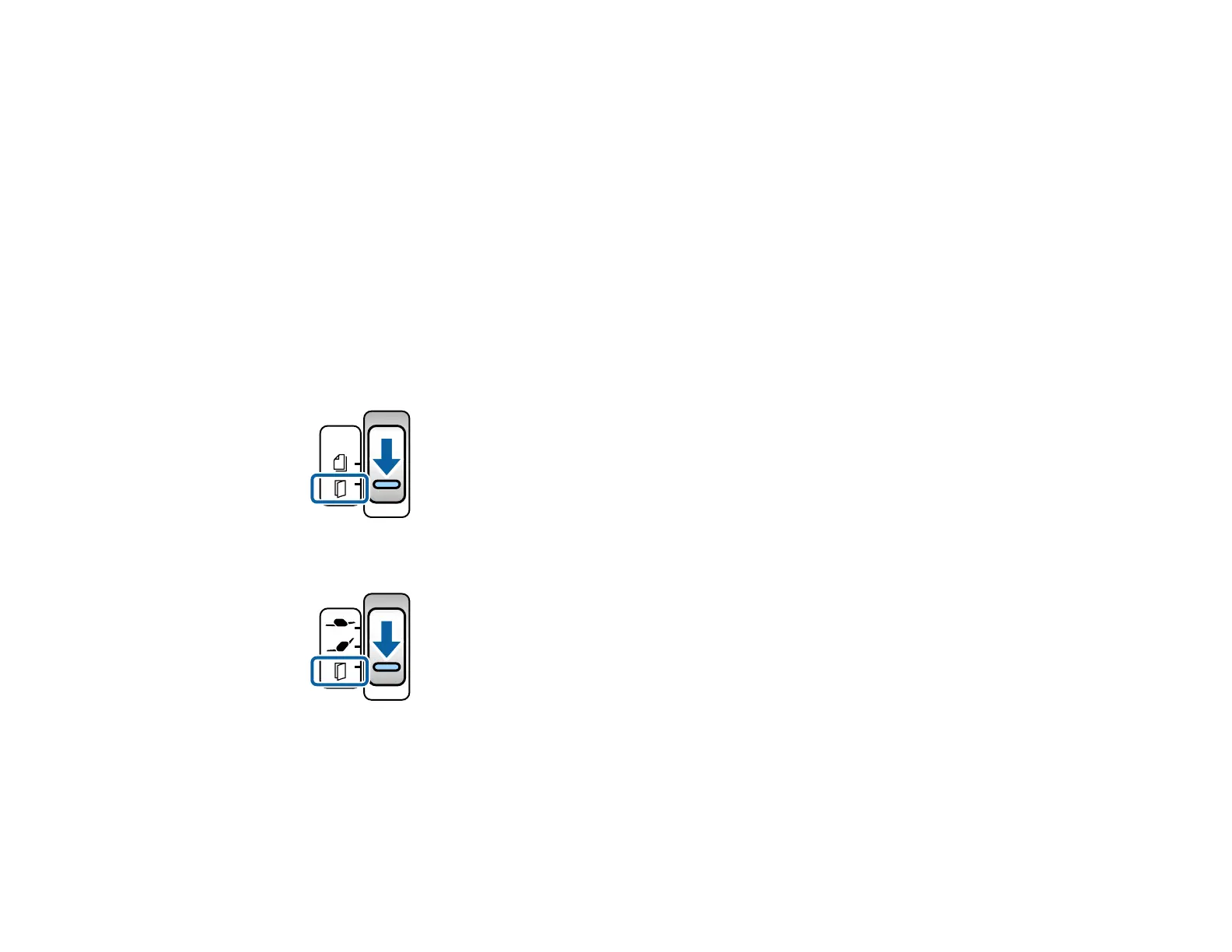
1. Check to make sure that the page separation lever is in the position shown here.
DS-30000
DS-32000
Note: To prevent paper jams, make sure to set the lever back to its original position when scanning
standard single- or multi-page originals.
2. Open the input tray.












 To Next Page