45
If scanning thin or wrinkled paper causes paper jams, slow down the feeding speed by selecting the
icon or Settings > Scanner Settings > Slow > On on the LCD screen.
Loading Thin Paper (DS-32000)
Loading Long Paper
Loading Large Originals
Loading Multiple Sizes of Originals in the Input Tray
Original Document Specifications
Parent topic: Loading Originals
Related references
Suggested Tray Positions
Feed Selector Lever
Loading Thin Paper (DS-32000)
You can load thin originals with the scanner in Delicate Mode. Some items may require a carrier sheet.
Make sure the original meets the document specifications before loading it.
1. Place the scanner in Delicate Mode.
2. Set the feed selector lever to .
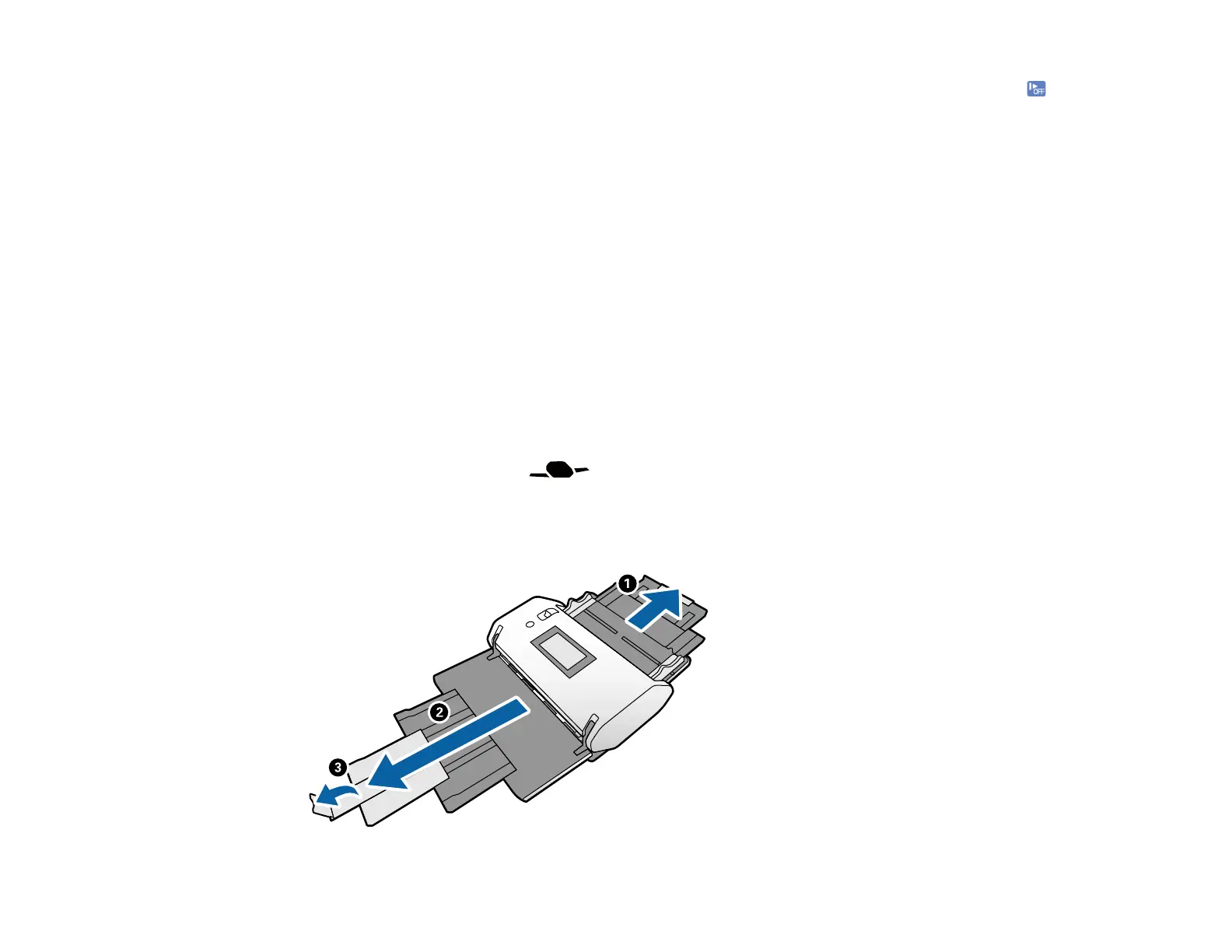
3. Open the input tray and pull up its extension.
4. Pull out the output tray and its extension to the length of the original, and open the stopper if
necessary.












 To Next Page