44
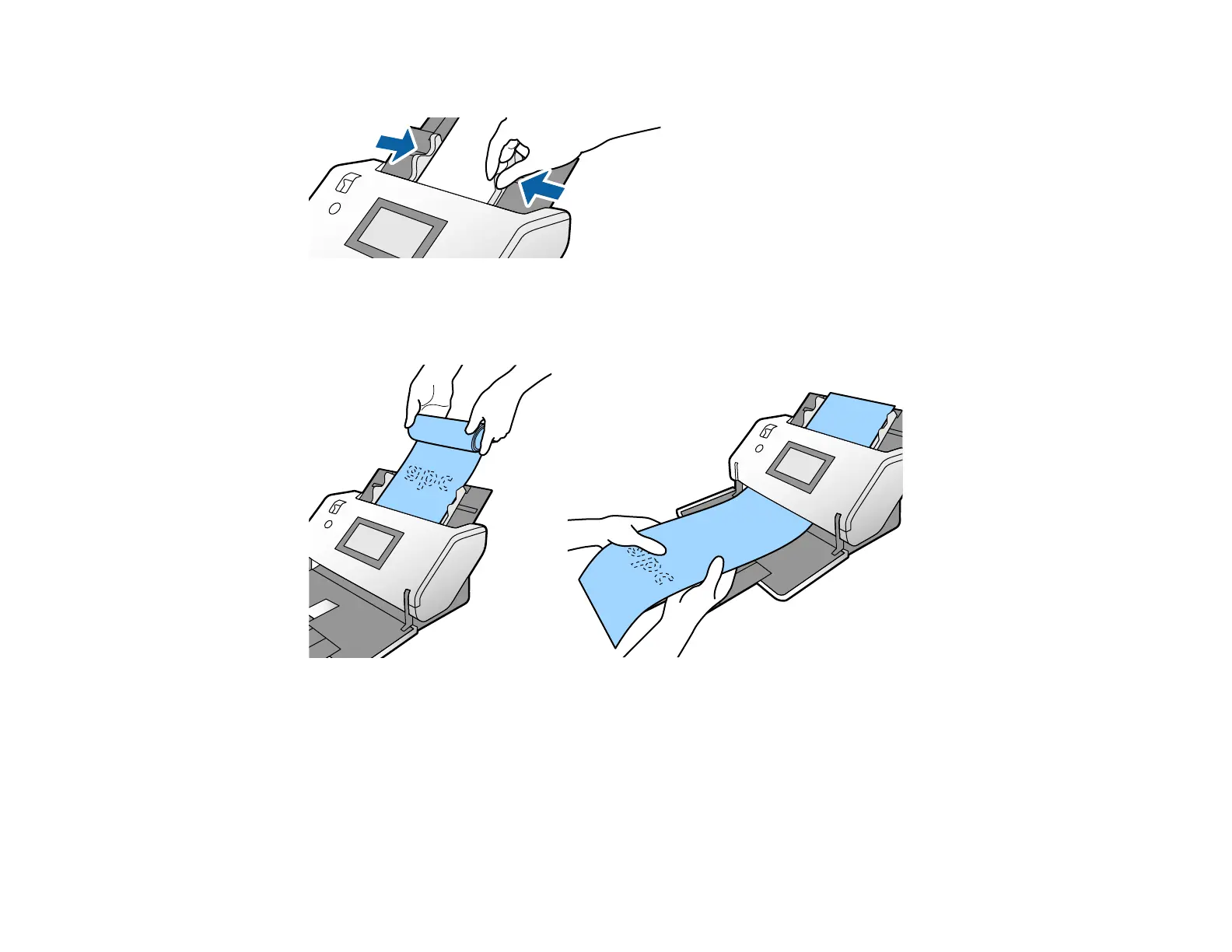
8. Slide the edge guides against the edges of the original.
Note: If you are scanning originals that are 15.5 inches (393.8 mm) or longer, support the original as
it enters into and ejects from the scanner as shown.
9. If necessary during scanning, adjust the position of the stopper on the output tray extension to fit the
ejected originals.
Note: If thicker paper does not eject properly or falls from the output tray, push in the output tray and
allow the originals to eject freely onto the surface below the scanner. If the scanned images are
affected by the originals ejecting below the scanner, try placing the scanner on the edge of a table
where the ejected originals can drop freely.












 To Next Page