131
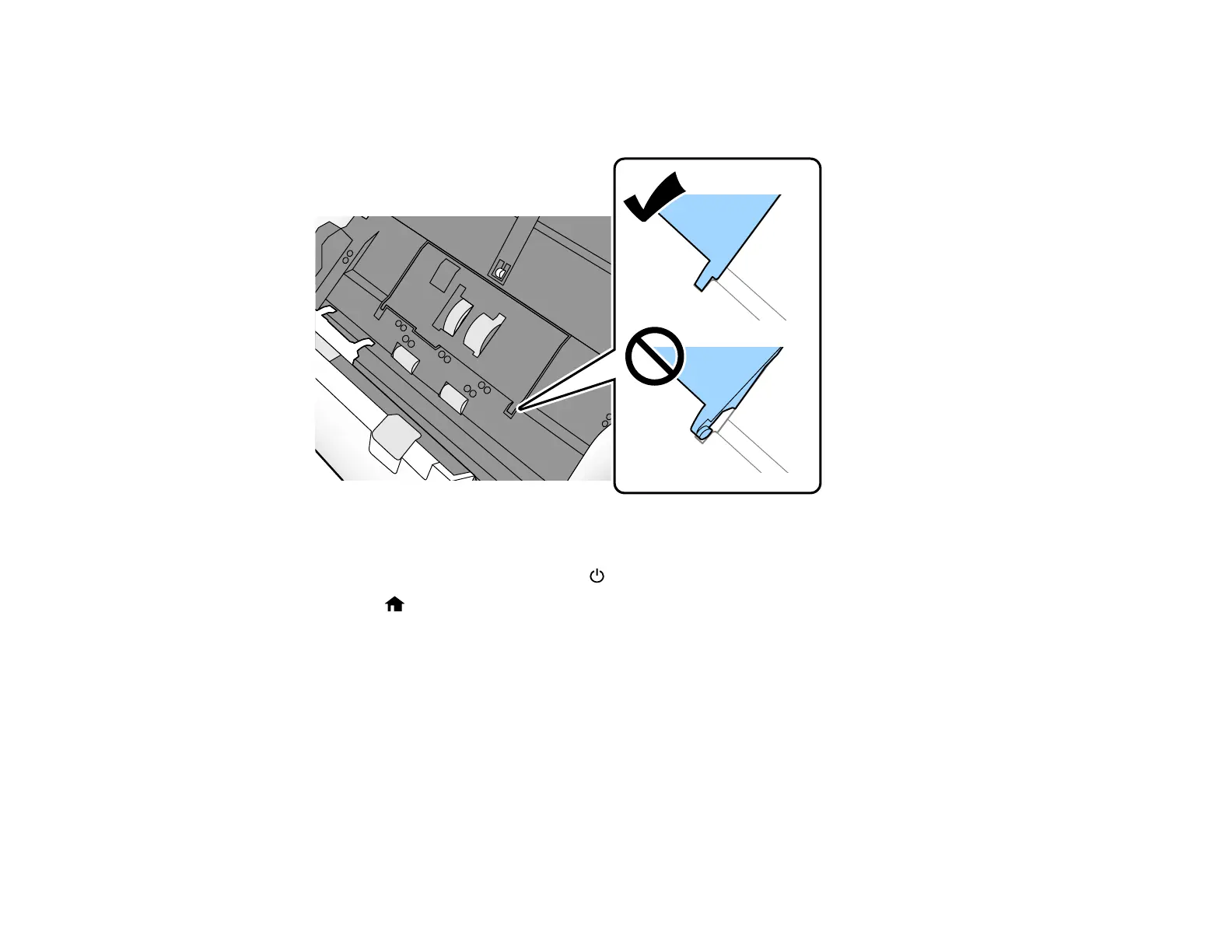
Caution: If you are not able to close the cover, the roller is not installed correctly. Remove the roller
unit and reinstall it, then try to close the cover again. Do not force the roller or cover into place or you
may damage your scanner.
17. Close the scanner cover.
18. Plug in the AC adapter and press the power button to turn on the scanner.
19. Press the home button, if necessary, and select Scanner Maintenance.
20. Select Roller Cleaning.
21. Pull down on the cover open lever and open the scanner cover.












 To Next Page