31
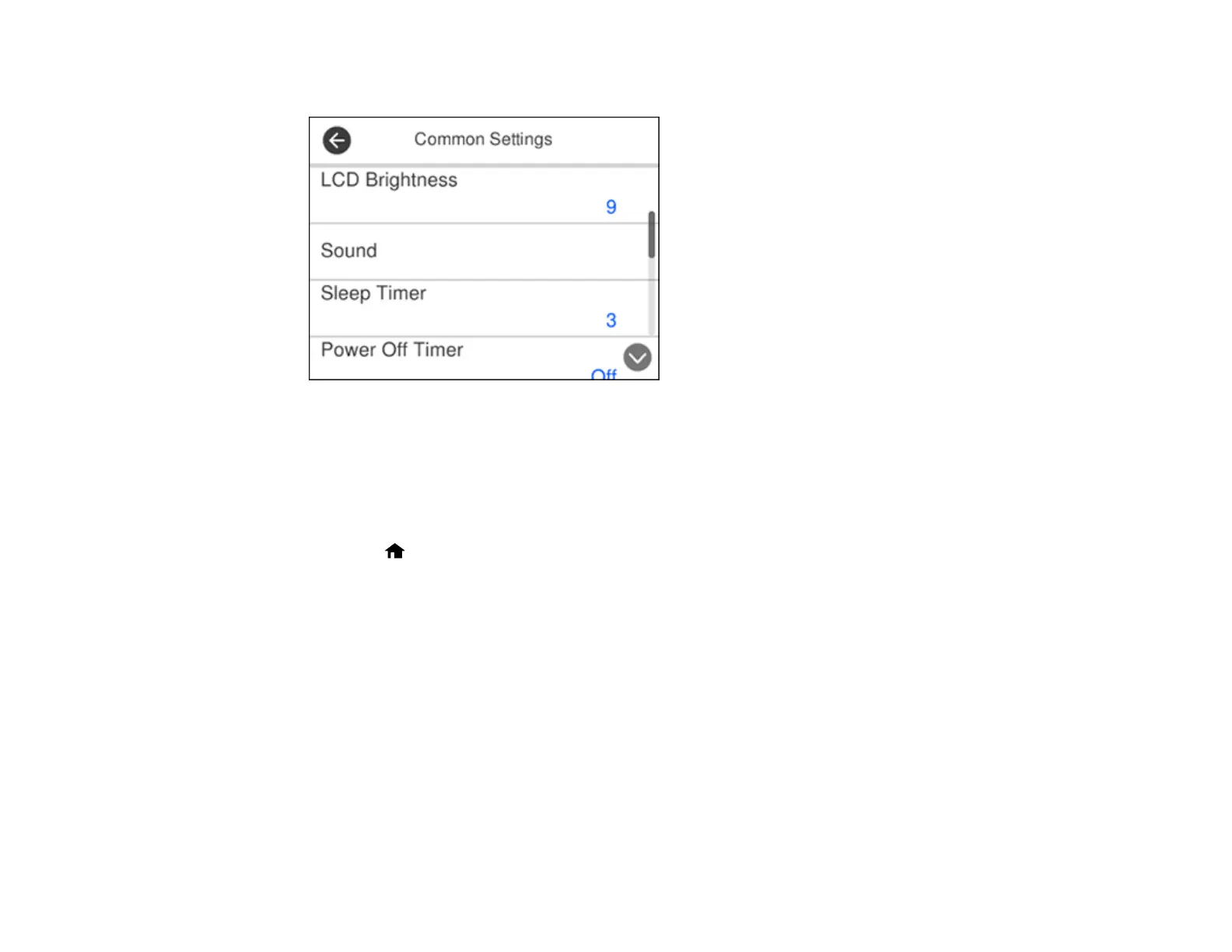
You see a screen like this:
4. Select Power Off Settings.
5. To set the amount of time before the scanner turns off when it is inactive, select Power Off If
Inactive and select a value.
6. To turn the scanner off automatically if the USB connection is disconnected, set Power Off If
Disconnected to On.
7. Press the home button or select Close to exit.
Parent topic: Using Power Saving Settings












 To Next Page