71
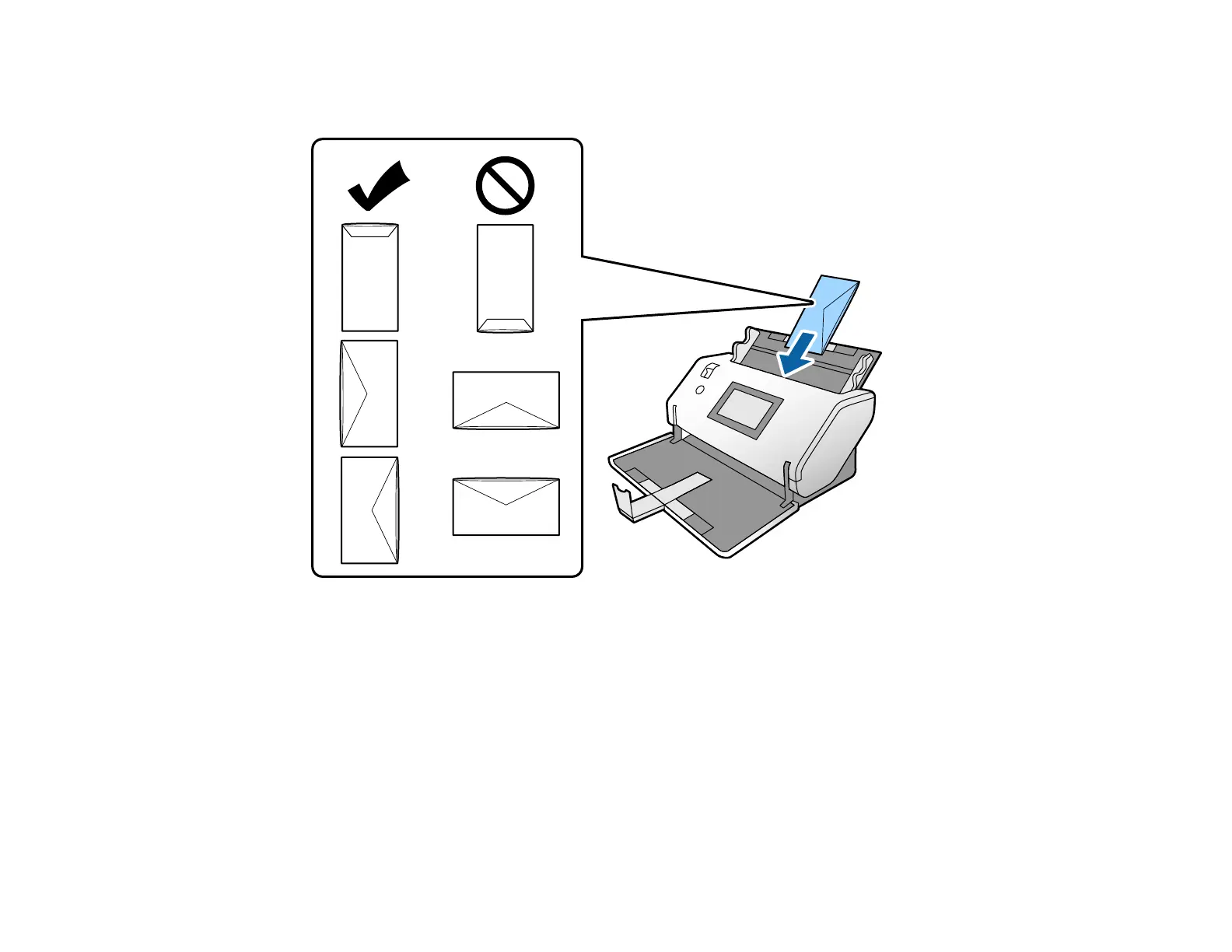
5. Load an envelope vertically in the input tray with the printable side down and the flap facing as
shown. Slide in the envelope until it meets resistance.
Note: Do not load envelopes with adhesive on them. Envelopes that are not cut cleanly at the flap
edge may not scan correctly. Envelopes that have not been sealed can be loaded with the flap open
and facing up.
6. Do one of the following to load a photo, or folded or irregularly shaped originals:
• For a folded original, fold and load the original as shown.












 To Next Page