89
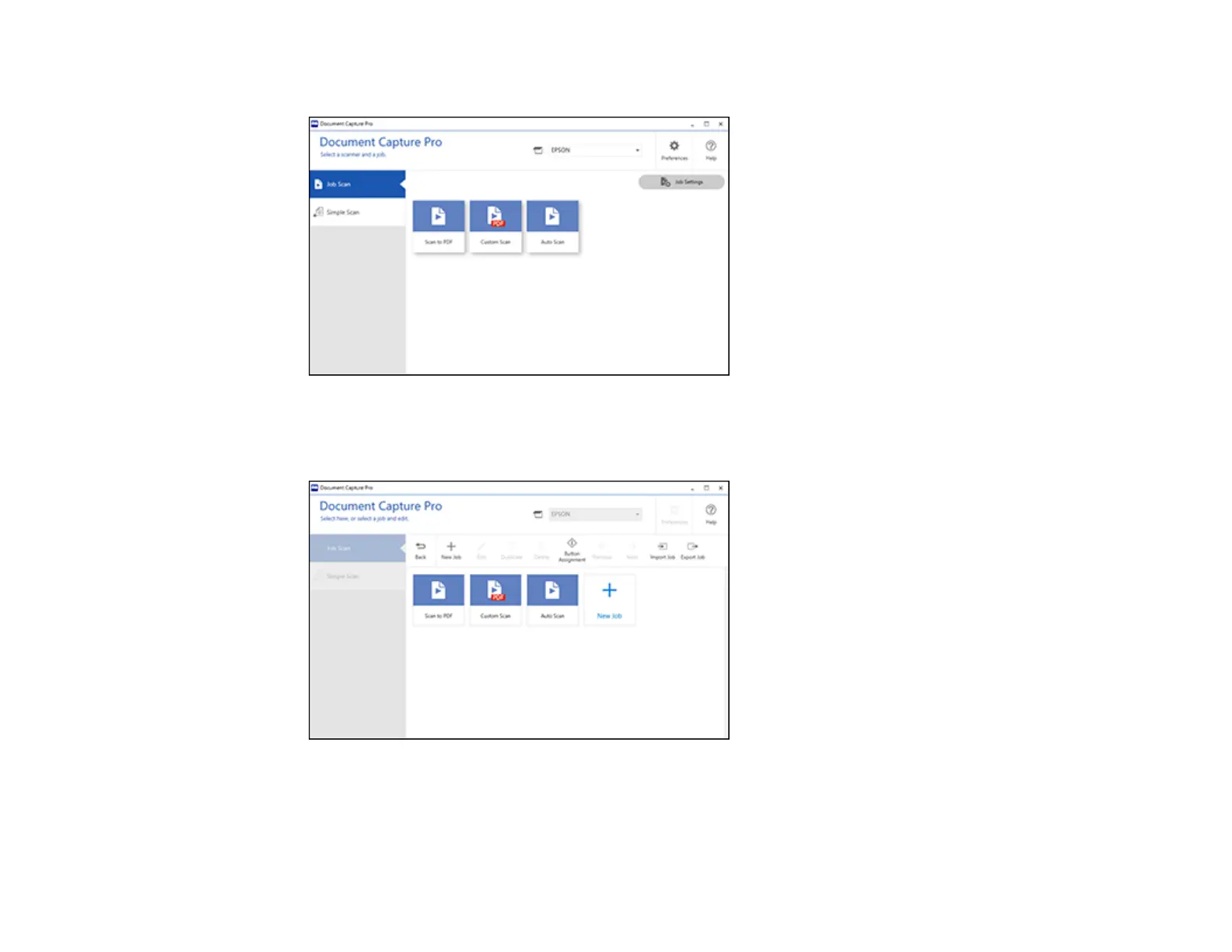
You see a window like this:
3. Click the Job Settings button.
You see a window like this:
4. To add a scan job, click the New Job icon, enter a name for the new job, select settings as
necessary, and click OK.
You can now use the new scan job when you scan with Document Capture Pro.












 To Next Page