Selecting Fax Output Settings
You can use the product's control panel to select settings for saving, forwarding, or printing incoming
faxes.
1. Press the home button, if necessary.
2. Select Setup.
3. Scroll down and select Fax Settings.
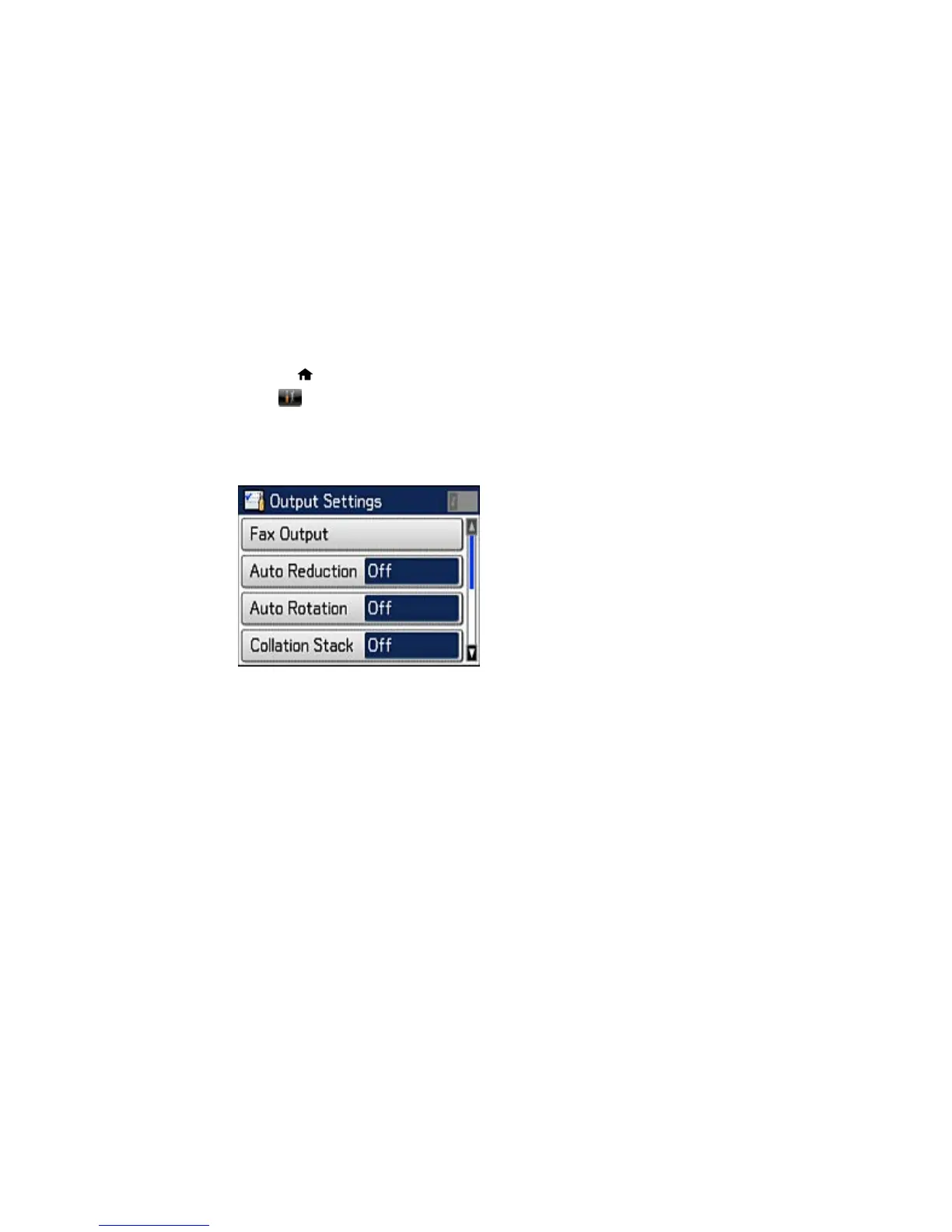
4. Select Output Settings.
You see this screen:
5. Select Fax Output.
166















 To Next Page