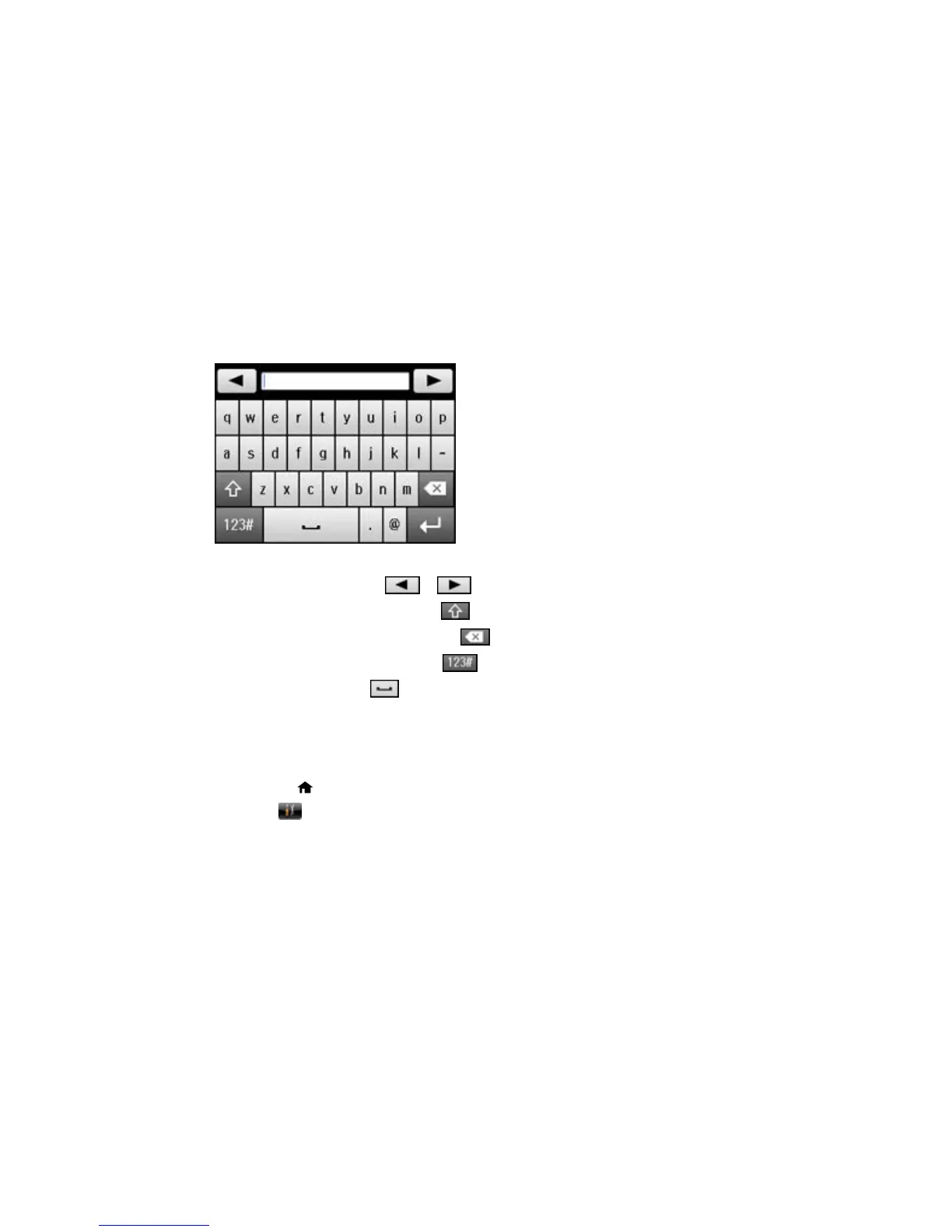
Entering Characters on the LCD Screen
Follow these guidelines to enter characters for passwords and other settings.
• To move the cursor, select or .
• To change the case of letters, select .
• To delete the previous character, select .
• To enter numbers or symbols, select .
• To enter a space, select .
Parent topic: Using the Control Panel
Changing the LCD Screen Language
You can change the language used on the LCD screen.
1. Press the home button, if necessary.
2. Select Setup.
17















 To Next Page