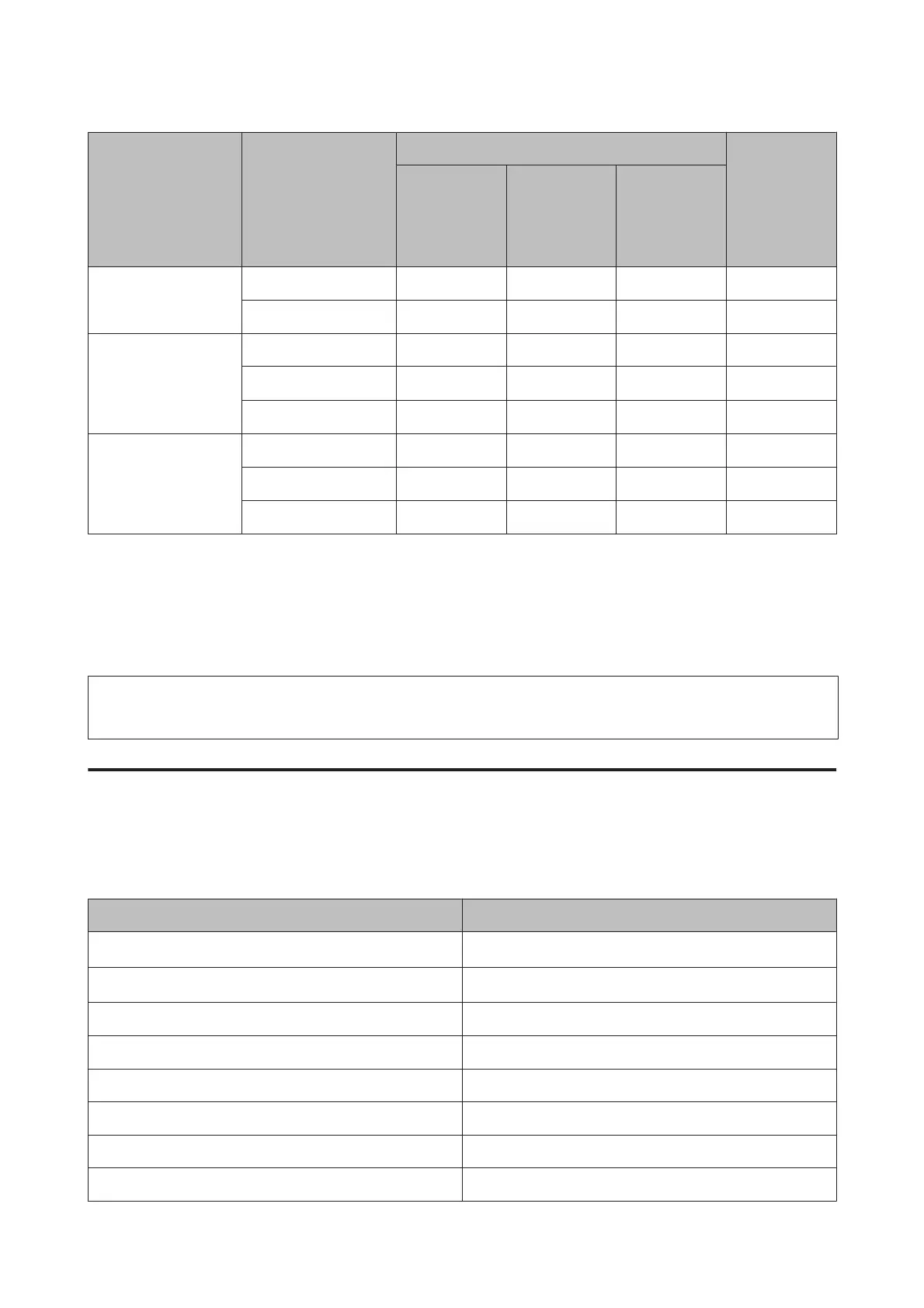
Media Type Size
Loading capacity (sheets)
Borderless
printing
paper
cassette 1
or
paper
cassette
paper
cassette 2
*1
rear paper
feed slot
Epson Premium
Semigloss Photo Paper
A4 20 - 1 ✓
10 × 15 cm (4 × 6 in.)
20 - - ✓
Epson Ultra Glossy
Photo Paper
A4 20 - 1 ✓
10 × 15 cm (4 × 6 in.)
20 - - ✓
13 × 18 cm (5 × 7 in.)
20 - - ✓
Epson Glossy Photo
Paper
A4 20 - 1 ✓
10 × 15 cm (4 × 6 in.)
20 - - ✓
13 × 18 cm (5 × 7 in.)
20 - - ✓
*1 This cassette may not be available depending on the product.
*2 Paper with a weight of 64 g/m² (17 lb) to 90 g/m² (24 lb).
*3 The loading capacity for manual 2-sided printing is 30 sheets.
*4 The loading capacity for manual 2-sided printing is 1 sheet.
*5 Availability varies depending on the paper size.
Note:
The availability of paper varies by location.
Paper type settings on the LCD screen
The product automatically adjusts itself for the type of paper you select in your print settings. That is why the paper
type setting is so important. It tells your product what kind of paper you are using and adjusts the ink coverage
accordingly. The table below lists the settings you should choose for your paper.
For this paper LCD paper type
Plain paper*
1
Plain Paper
Epson Bright White Ink Jet Paper*
1
Plain Paper
Epson Ultra Glossy Photo Paper Ultra Glossy
Epson Premium Glossy Photo Paper Prem. Glossy
Epson Premium Semigloss Photo Paper Prem. Glossy
Epson Glossy Photo Paper Glossy
Epson Photo Paper Photo Paper
Epson Matte Paper – Heavyweight Matte
User’s Guide
Paper and Media Handling
22













 To Next Page