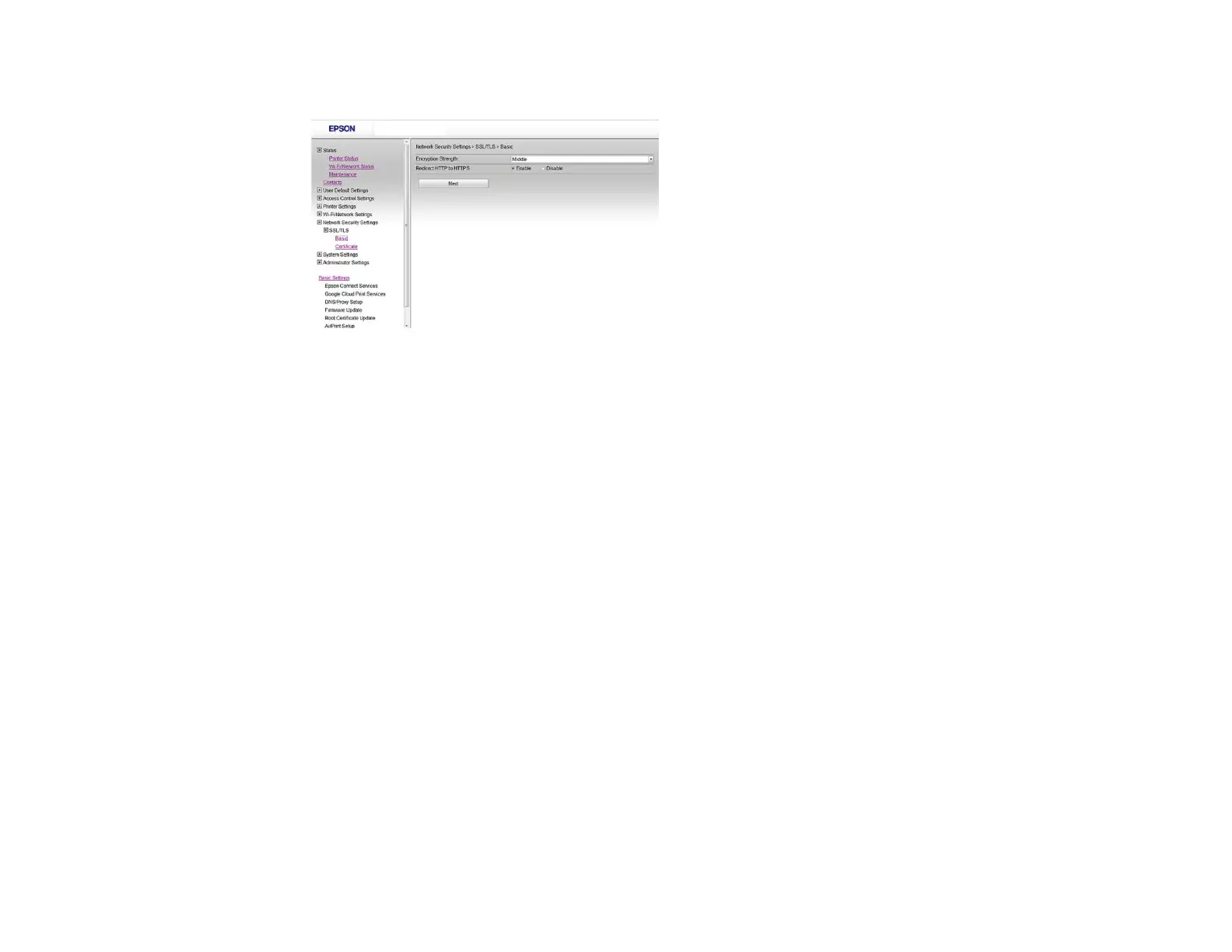
You see a window like this:
3. Select one of the following options for the Encryption Strength setting:
• High for AES256/3DES
• Middle for AES256/3DES/AES128/RC4
4. Select Enable or Disable for the Redirect HTTP to HTTPS setting as necessary.
5. Click Next.
You see a confirmation message.
6. Click OK.
Parent topic: Configuring SSL/TLS Communication
Configuring a Server Certificate for the Product
You can configure a server certificate for your product.
1. Access Web Config and select Network Security Settings.
2. Select SSL/TLS and select Certificate.
14















 To Next Page