Parent topic: Using a Digital Certificate
Obtaining and Importing a CA-signed Certificate
You can obtain a CA-signed certificate by creating a CSR (Certificate Signing Request) using Web
Config and submitting it to a certificate authority. The CSR created in Web Config is in PEM/DER format.
You can import one CSR created from Web Config at a time.
1. Access Web Config and select Network Security Settings.
2. Select one of the following network security options:
• SSL/TLS
• IPsec/IP Filtering
• IEEE802.1X
3. Select Certificate.
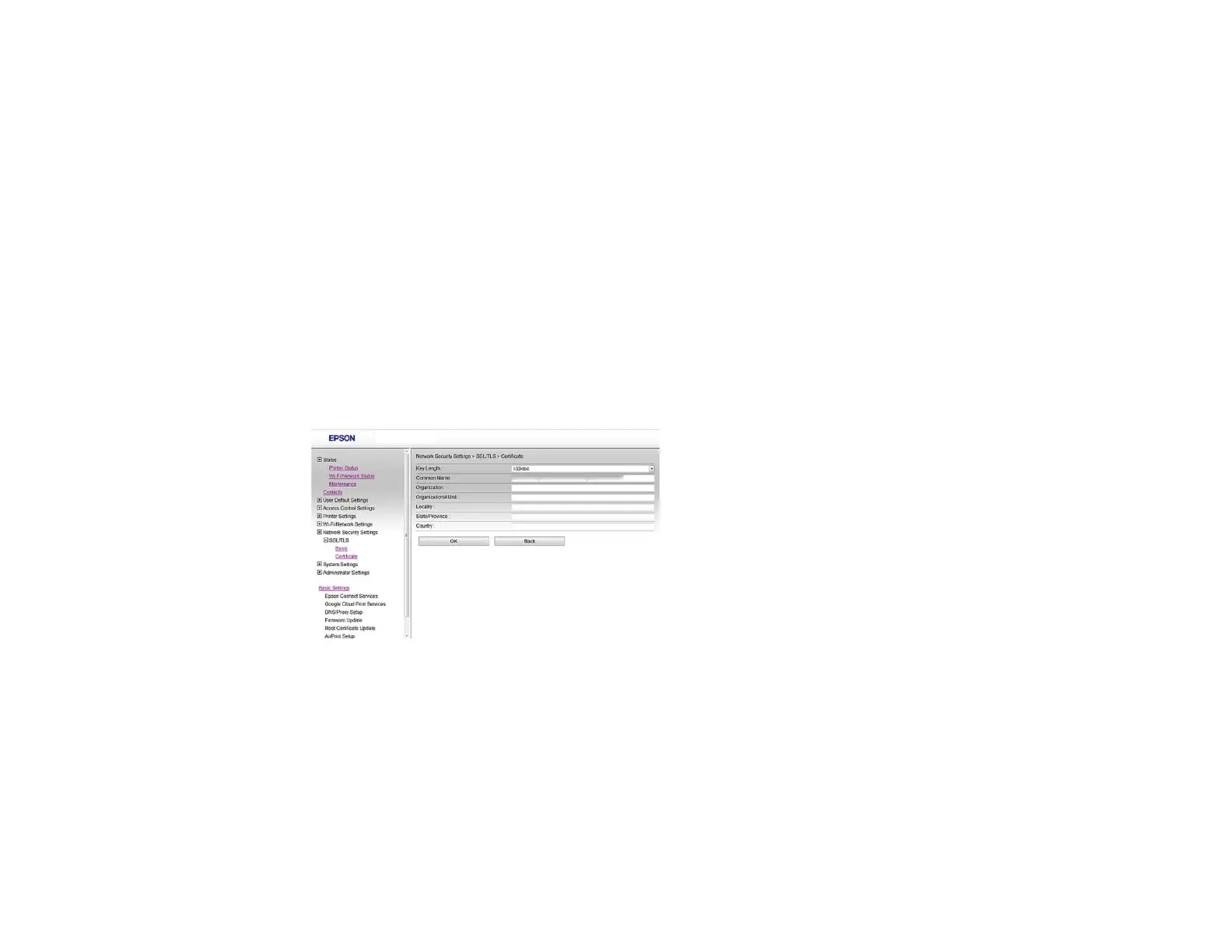
4. In the CSR section, select Generate.
You see a window like this:
5. Select the CSR setting options you want to use.
6. Click OK.
You see a completion message.
7. Select Network Security Settings, select your network security option, and select Certificate
again.
31















 To Next Page