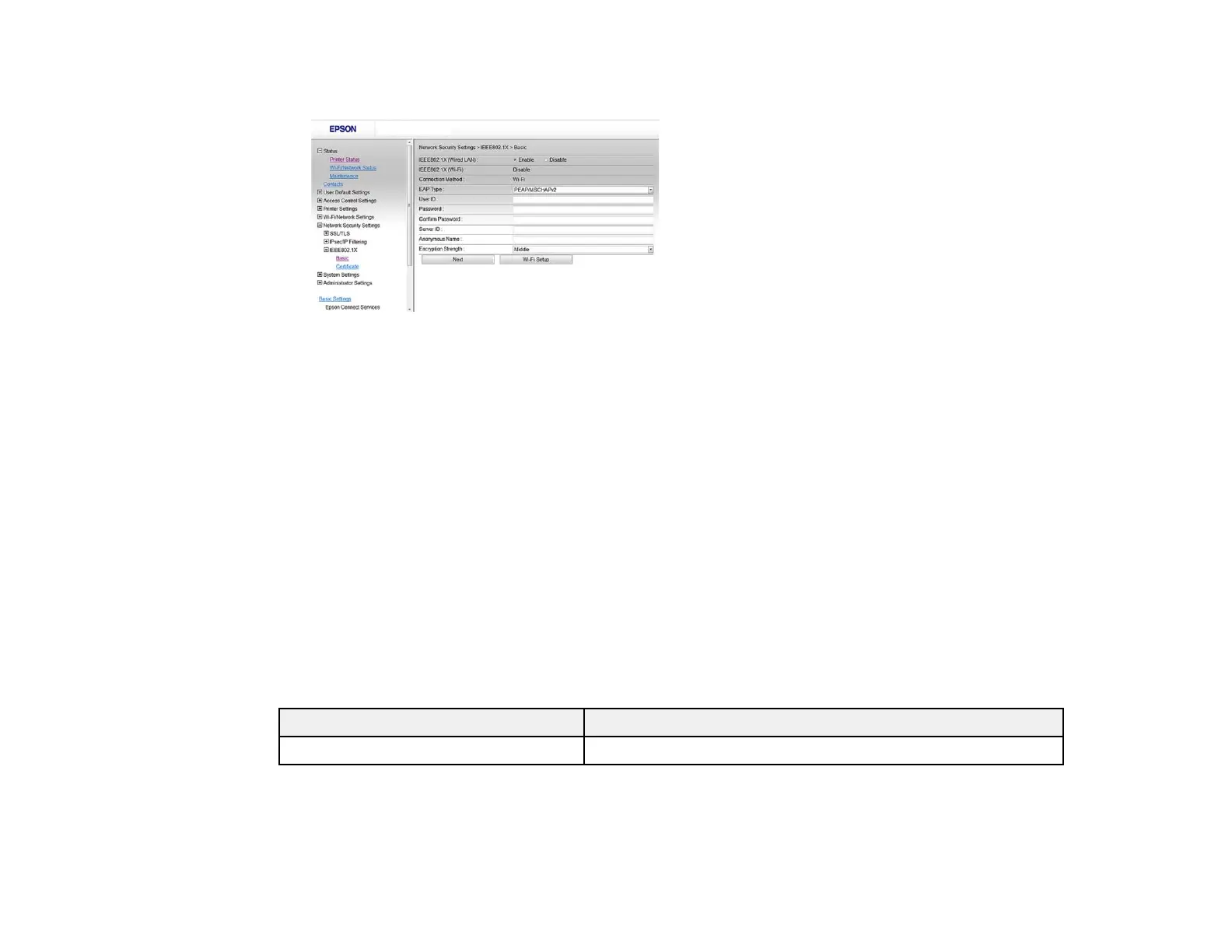
You see a window like this:
3. Select Enable as the IEEE802.1X (Wired LAN) setting.
4. To use the product on a Wi-Fi network, enable your product's Wi-Fi settings. See your product's
User's Guide for instructions.
The status of the connection shown in the IEEE802.1X (Wi-Fi) setting.
Note: You can share the network settings for Ethernet and Wi-Fi networking.
5. Select the IEEE802.1X setting options you want to use.
6. Click Next.
You see a confirmation message.
7. Click OK.
Parent topic: Connecting the Product to an IEEE802.1X Network
IEEE802.1X Network Settings
You can configure these IEEE802.1X network settings in Web Config.
Setting Options/Description
Connection Method Displays the current network connection method
27















 To Next Page