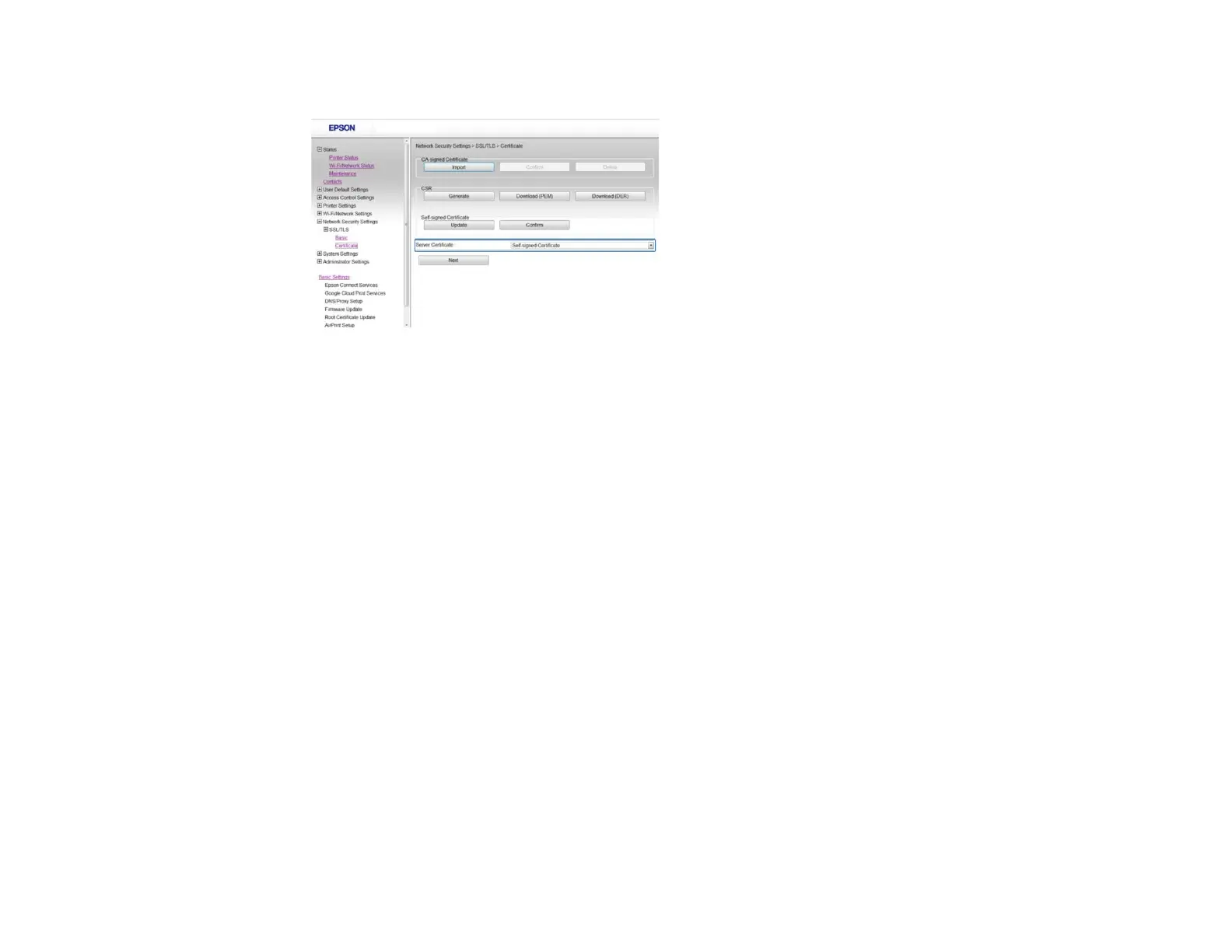
You see a window like this:
3. Select one of the following options for the Server Certificate setting:
• Self-signed Certificate: select if you have not obtained a CA-signed certificate and want the
product to generate a self-signed certificate
• CA-signed Certificate: select if you have obtained a CA-signed certificate
4. Click Next.
You see a confirmation message.
5. Click OK.
Parent topic: Configuring SSL/TLS Communication
Configuring IPsec/IP Filtering
Follow the instructions in these sections to configure IPsec/IP traffic filtering using Web Config.
About IPsec/IP Filtering
Configuring Default IPsec/IP Filtering Policy
Configuring Group IPsec/IP Filtering Policies
IPsec/IP Filtering Policy Settings
IPsec/IP Filtering Configuration Examples
Configuring an IPsec/IP Filtering Certificate
Parent topic: Using Your Product on a Secure Network
15















 To Next Page