Clarity Edge Install Guide
Setup & Calibration: ezInstaller App
For Clarity Edge
The blue protective film must be removed from both camera lenses.
iOS Android
Power up the Edge camera once it is installed (and the fatigue camera if fitted)
As the camera is powering up, open the ezInstaller App
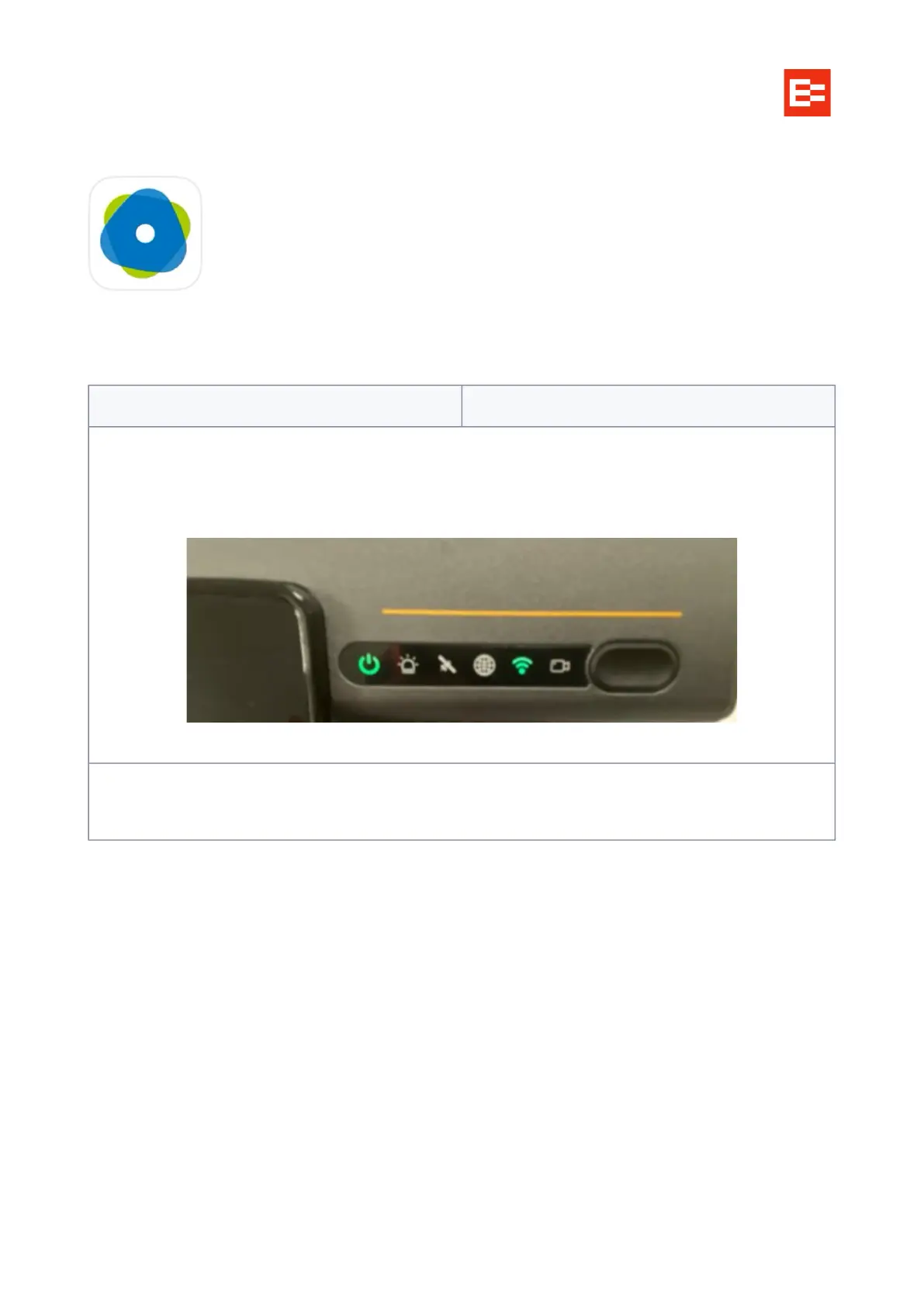
As the camera powers the LEDs will flash, wait until the Wi-Fi LED goes green - this indicates the camera
Wi-Fi is on.
Opening ezInstaller App screen
Click on Connecting Device / Connect Button



 To Next Page