Clarity Edge Install Guide
For Fatigue cameras
Video link for troubleshooting:
https://vimeo.com/955628260/5b4d861ea3
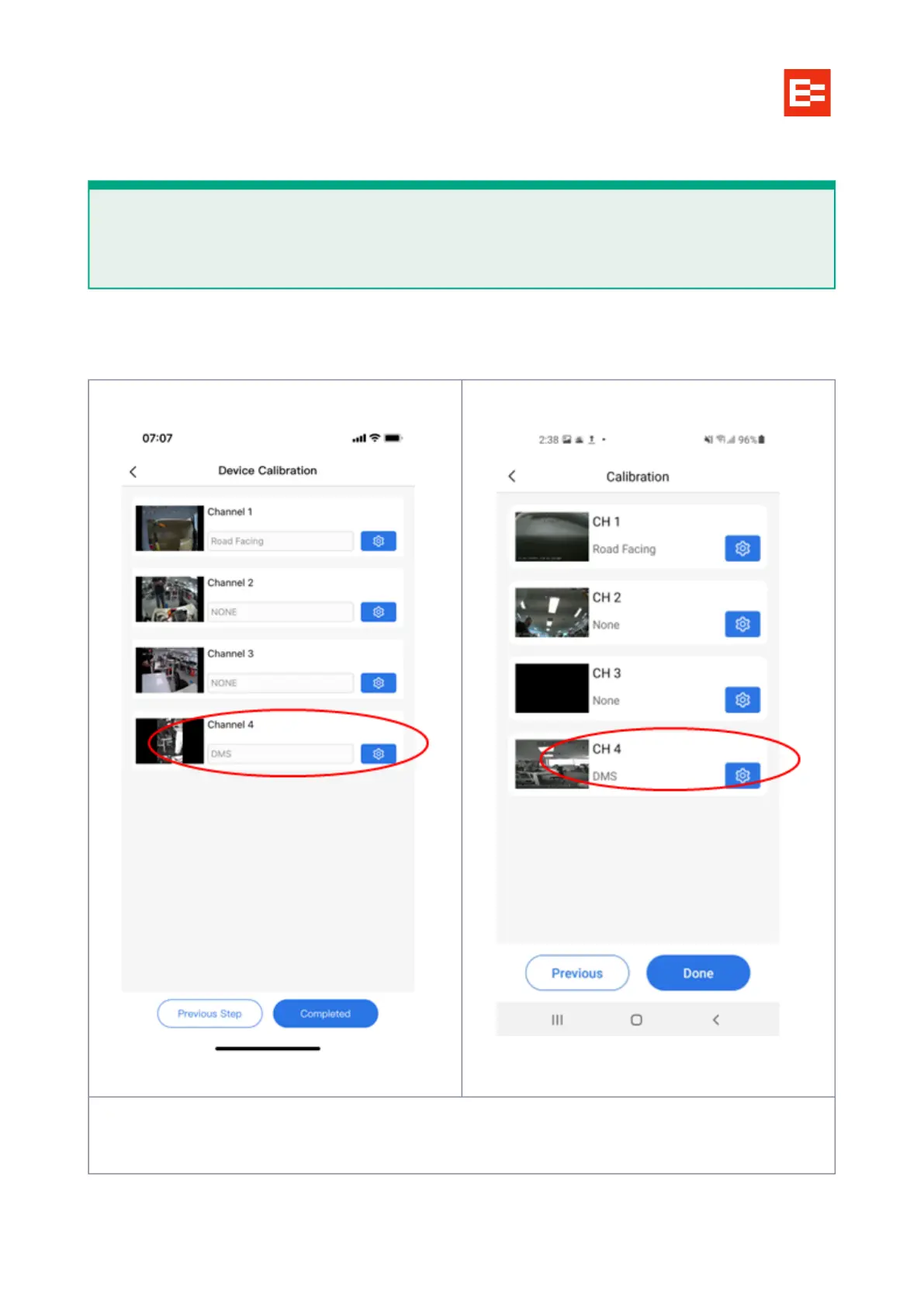
Select the Channel 4 blue ‘gear’ icon as pictured next:
Align the camera so the driver's head in the center of the screen.
Select the page icon for details
IMPORTANT
Because the ezInstaller app provides you with a live feed of the Fatigue camera, use the app to
position the camera in an ideal position BEFORE permanently mounting it.



 To Next Page