Clarity Edge Install Guide
•
Troubleshooting
During normal operation all the unit’s status lights are off, except the Power icon (Green), and occasionally
the Recording icon (Red) when recording a clip.
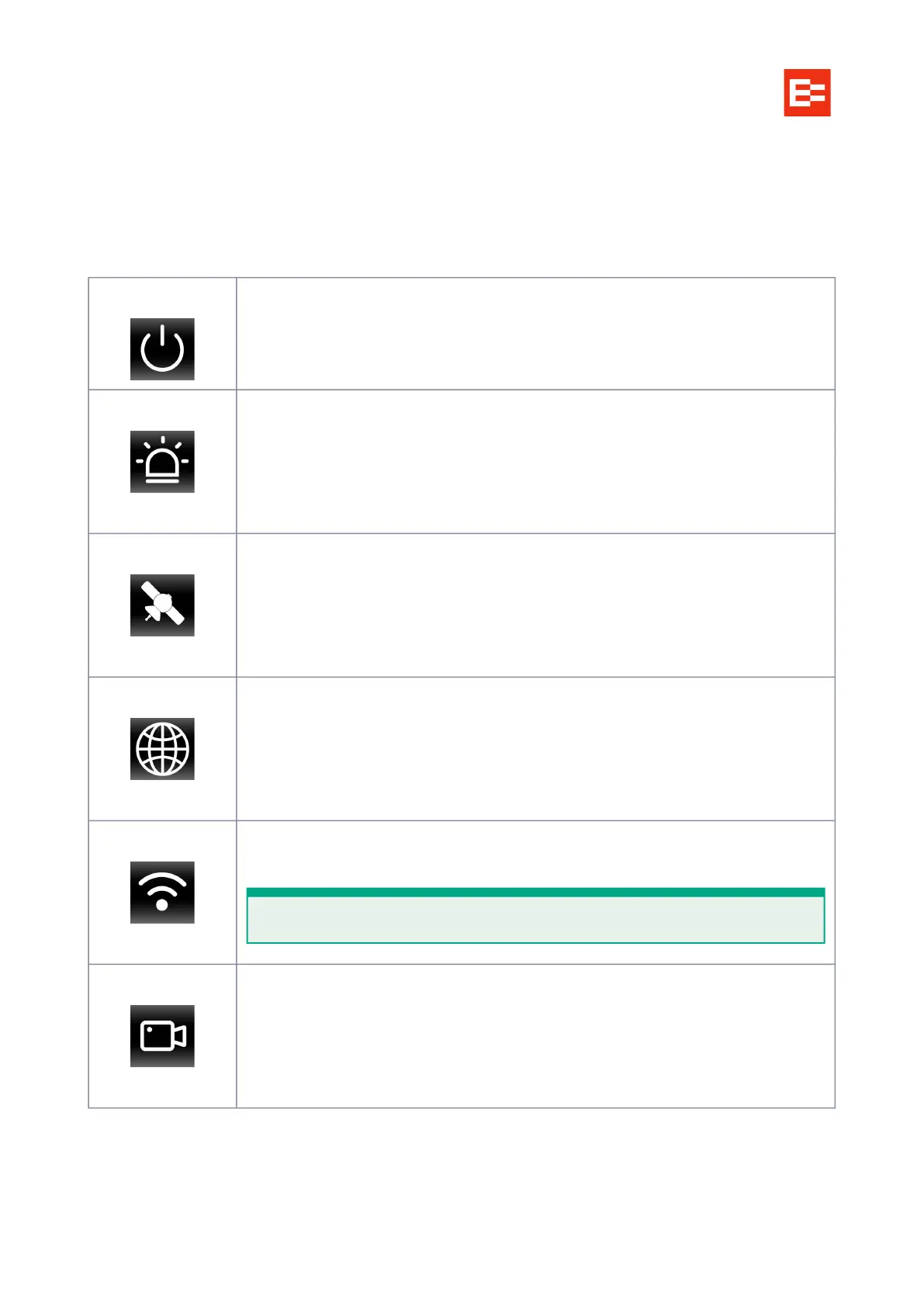
LED indicators
Power Off: The unit is not powered on
Green: The unit is powered normally
Alarm Off: The unit is operating properly
Red flashes x3: The unit generates an alarm
The fault indicator of the OBD port blinks twice every second until the fault is
removed
GPS Off: GPS is operating properly
Red: The unit is out of coverage; module fault
Red, flashing: The unit has poor coverage
Network Off: The unit is connected to the server properly
Red: The unit is connecting intermittently, or through unverified hotspots
Red, flashing: The unit is in Flight mode (operating properly, but offline)
WiFi Off: No WiFi connection.
Green: Ready for WiFi connection.
Record Off: No triggered recording in operation.
Red: Recording a video clip to internal memory.
Device startup failure
Check that the power cable is well connected,e and the fuse is intact and fully inserted.
WiFi connection is only used for unit configuration.



 To Next Page