SpiroSphere
®
ECG Instructions for Use
Page 76/136
Version 02.02 • 04AUG2022
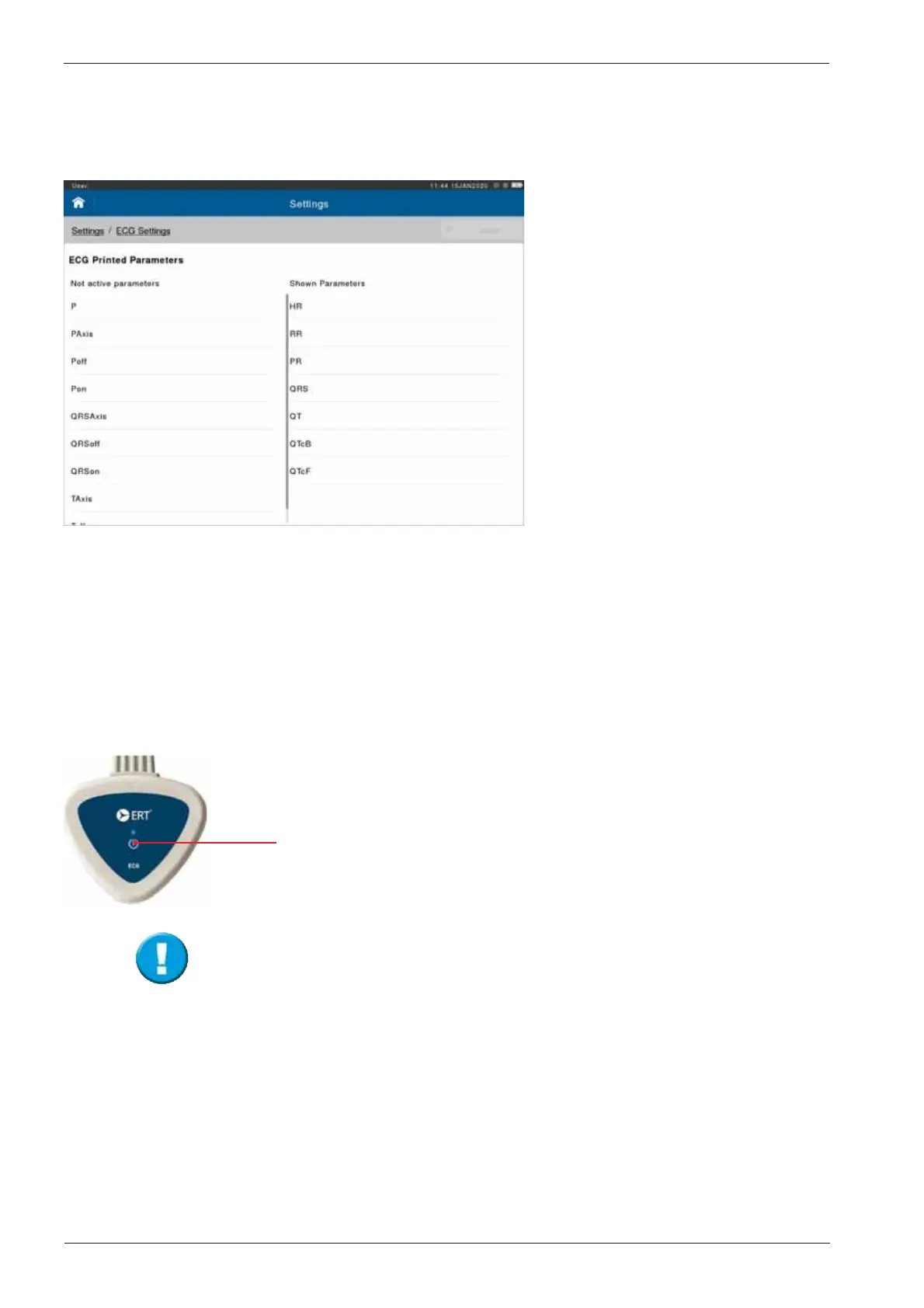
ECG Printed Parameters:
This congures the parameters that will be displayed on the printed ECG
Report.
The parameters can be added or removed in this section, by either double
tapping or dragging across the respective parameter to either Not active (not
shown), or Shown Parameters.
The number of parameters printed is not limited.
The ECG Unit will turn itself off after 10 minutes if it is not used.
Connecting an ECG Unit
Start the device by brief pressing the <ON> button.
The LED lights steady blue when the device is ready.


 To Next Page