EasyManua.ls Logo

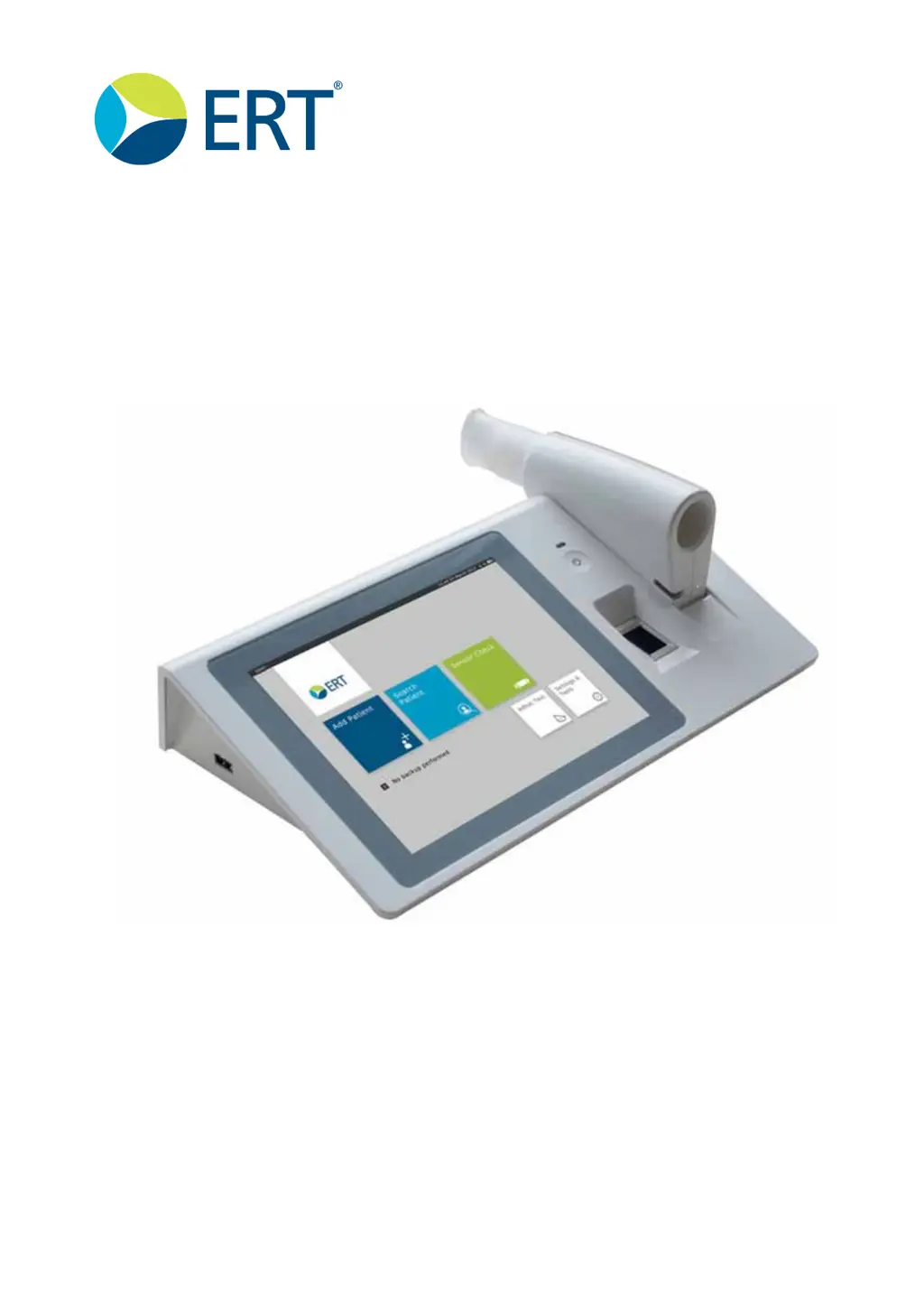
ERT SpiroSphere - User Manual

ERT SpiroSphere
136 pages
Print Icon
To Next Page IconTo Next Page
Loading...
781239
Version 02.02
Instructions for Use
SpiroSphere
®
ECG

Table of Contents

Questions and Answers

  • J
    Jane HarrisonSep 10, 2025
    What does it mean when ERT Medical Equipment SpiroSphere Main Unit LED is blinking orange?
    • A
      Angela MartinezSep 12, 2025
      If the ERT Medical Equipment SpiroSphere Main Unit LED is blinking orange, connect the power supply immediately.
  • T
    Tammy GrayAug 22, 2025
    What to do if blue LED is off on ERT Medical Equipment?
    • J
      jwatkinsAug 23, 2025
      If the blue LED is off on your ERT Medical Equipment, the device might be in sleep mode. To resolve this, put the device into the charging dock or press the Power On switch.
  • T
    Tara PowellAug 25, 2025
    Why is the orange LED blinking fast on my ERT SpiroSphere Medical Equipment?
    • L
      lhicksAug 25, 2025
      If the orange LED is blinking fast on your ERT Medical Equipment, this indicates an error in the SpiroSphere Sensor.
  • R
    Roy LaraAug 27, 2025
    What to do if orange LED is blinking slowly on ERT Medical Equipment?
    • R
      Roy GarciaAug 27, 2025
      If the orange LED is blinking slowly on your ERT Medical Equipment, it means the battery is low. Put the SpiroSphere Sensor into the cradle of the Main Unit to resolve this.
  • M
    msmithAug 28, 2025
    What to do if ERT Medical Equipment SpiroSphere Main Unit is not responding?
    • L
      Lawrence ParkerAug 28, 2025
      If the ERT Medical Equipment SpiroSphere Main Unit is not responding, try touching the Home icon in the top left corner. If that doesn't work, restart the Main Unit by pressing the Power button for 3 seconds and using the restart option in the Shutdown Menu. As a last resort, press the power button for more than 8 seconds to switch off the unit, then restart it by pressing the power button for at least 3 seconds.
  • S
    Steven FloydAug 29, 2025
    How to fix ERT Medical Equipment SpiroSphere Main Unit that does not start?
    • N
      nstewartAug 29, 2025
      If the ERT Medical Equipment SpiroSphere Main Unit does not start, try switching it on by pressing the power button for at least 3 seconds. If that doesn't work, connect the power supply and let it charge for a few minutes. You can also try waking it up using the touch screen or power button.
  • K
    Kristi MontoyaSep 18, 2025
    What to do when ERT Medical Equipment shows no flow detect?
    • S
      shepherdjosephSep 18, 2025
      If there is no flow detected, check if the ERT PT is inserted correctly. Also, try pressing the power button of the SpiroSphere Sensor for more than 8 seconds to power it off, then restart it by pressing the power button for more than 3 seconds.
  • G
    Gabriel MuellerSep 12, 2025
    What does it mean if ERT Medical Equipment SpiroSphere Sensor orange LED is blinking slowly?
    • M
      Mitchell MorrowSep 12, 2025
      If the ERT Medical Equipment SpiroSphere Sensor orange LED is blinking slowly, place the sensor in the charging cradle of the SpiroSphere Main Unit.
  • S
    Scott VanceSep 8, 2025
    How to fix connection issues with ERT Medical Equipment SpiroSphere Sensor?
    • K
      Kayla WrightSep 8, 2025
      If you can't establish a connection to the ERT Medical Equipment SpiroSphere Sensor, first ensure the sensor is powered on. Also, verify that the sensor is within a 10-meter range with a clear line of sight.
  • J
    James ReyesSep 5, 2025
    Why my ERT Medical Equipment SpiroSphere Main Unit is not charging?
    • M
      Michael BarrSep 5, 2025
      If the ERT Medical Equipment SpiroSphere Main Unit is not charging, check if the power supply is connected to the mains and to the SpiroSphere Main Unit.

ERT SpiroSphere Specifications

General IconGeneral
CategoryMedical Equipment
ManufacturerERT
TypeSpirometer
Storage Temperature-20°C to 60°C
Measurement ParametersFVC, FEV1, PEF
ConnectivityUSB
Battery LifeUp to 8 hours
Storage Humidity10% to 95% RH (non-condensing)
Standards ComplianceISO 26782, ISO 23747

Related product manuals